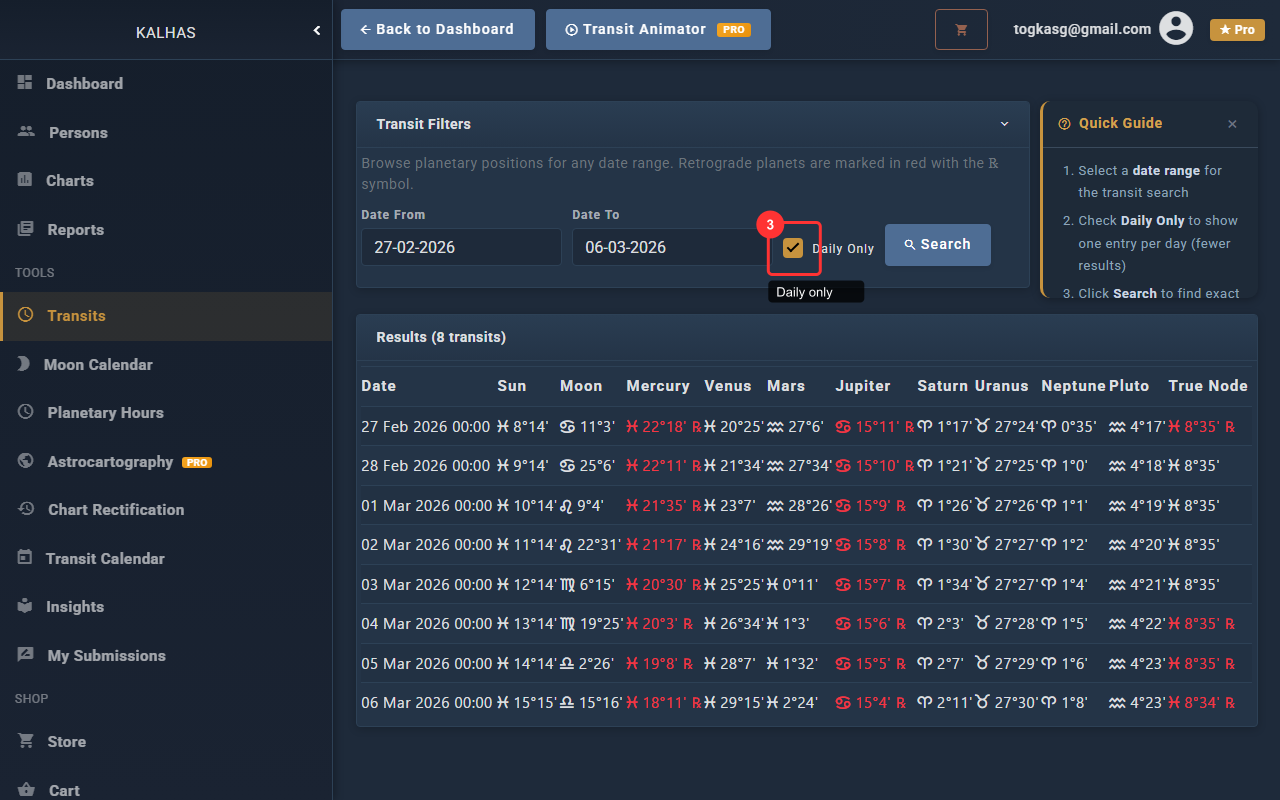
1 Transit Filters
The Transits page lets you calculate planetary transits to your natal chart. Set the date range and options.
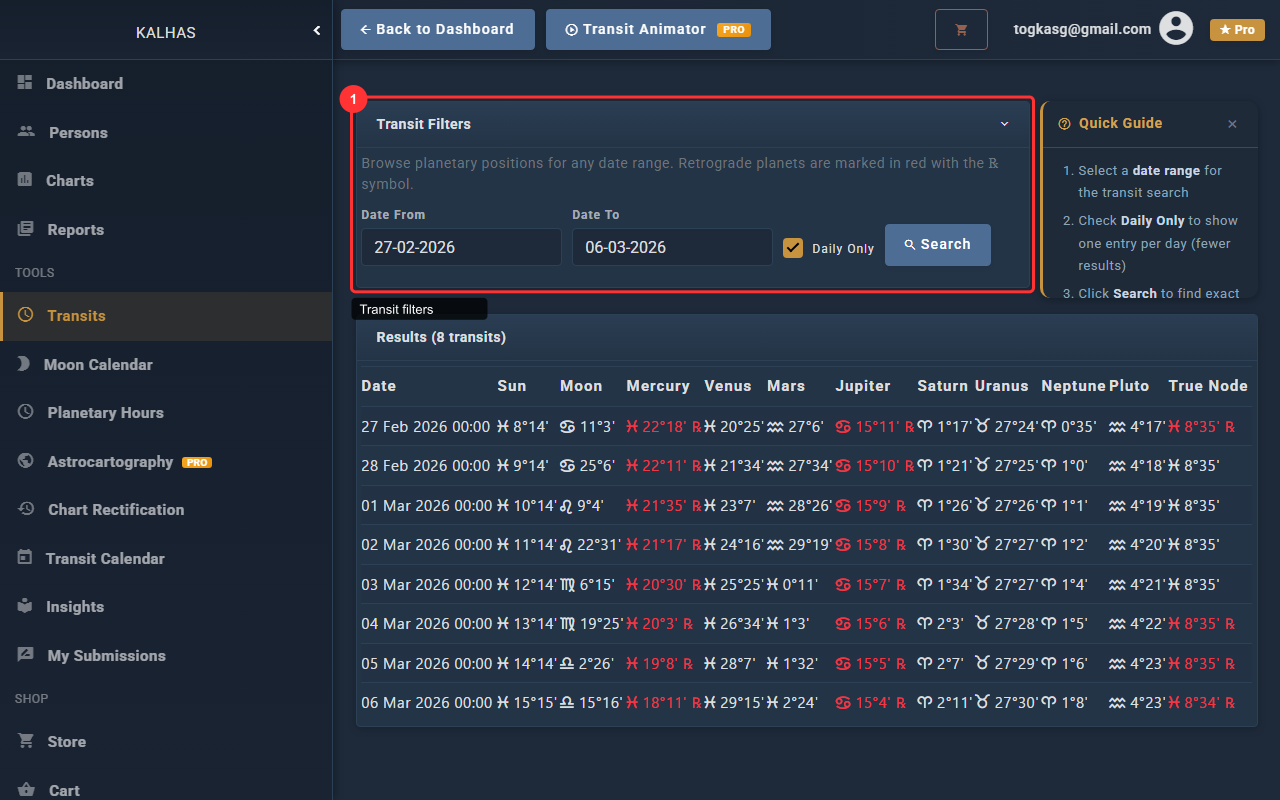
2 Set Date Range
Set the start and end dates for transit calculations. By default it shows the current month.
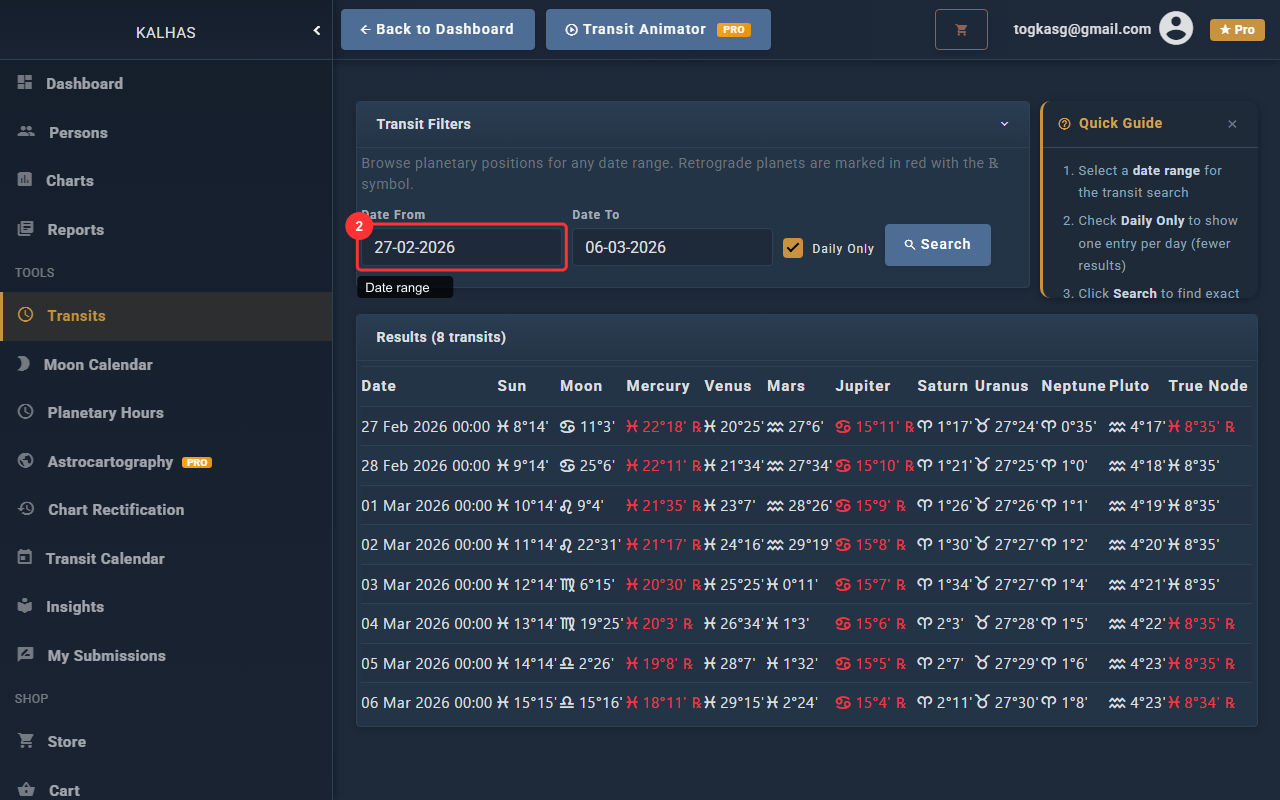
3 Daily Transits Only
Check this to show only transits that are exact on each day, filtering out longer-term aspects.