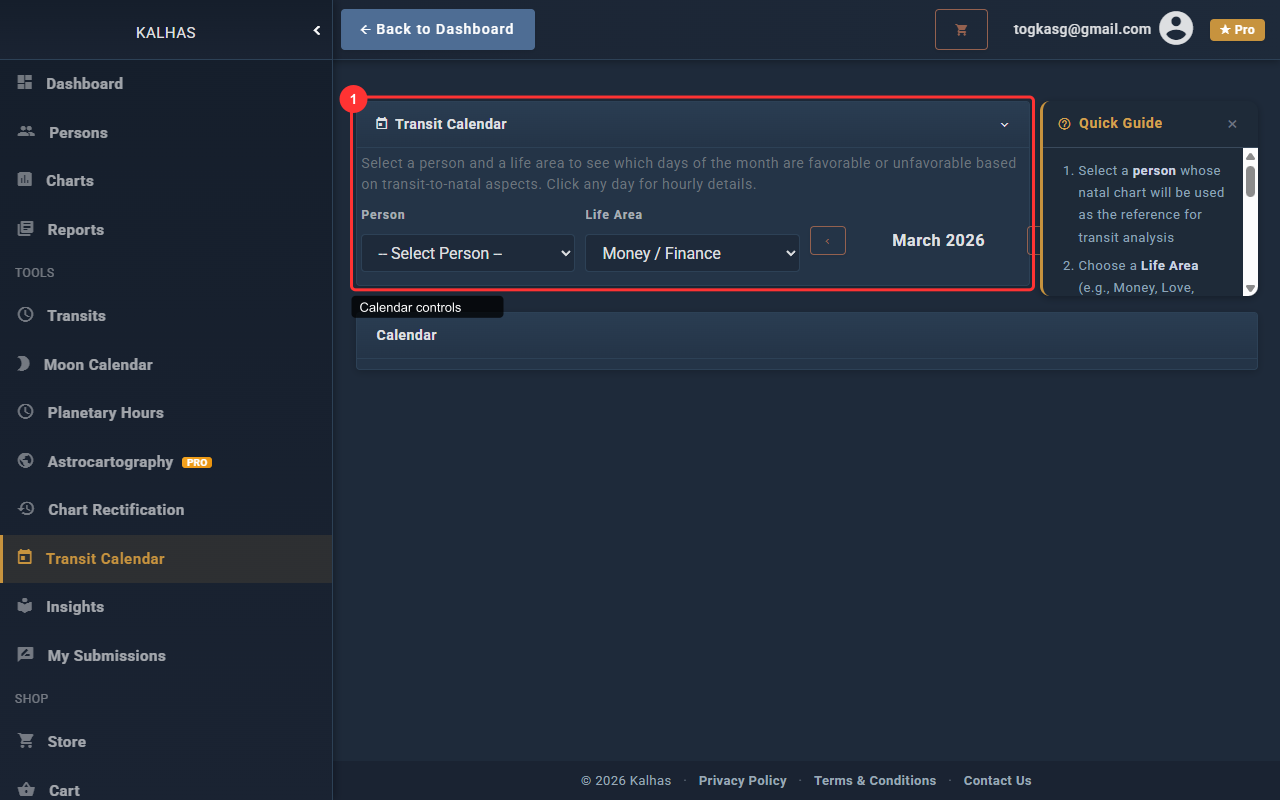
1 Transit Calendar Controls
Select a person and life area, then load the transit calendar to see color-coded days showing positive and negative transits.
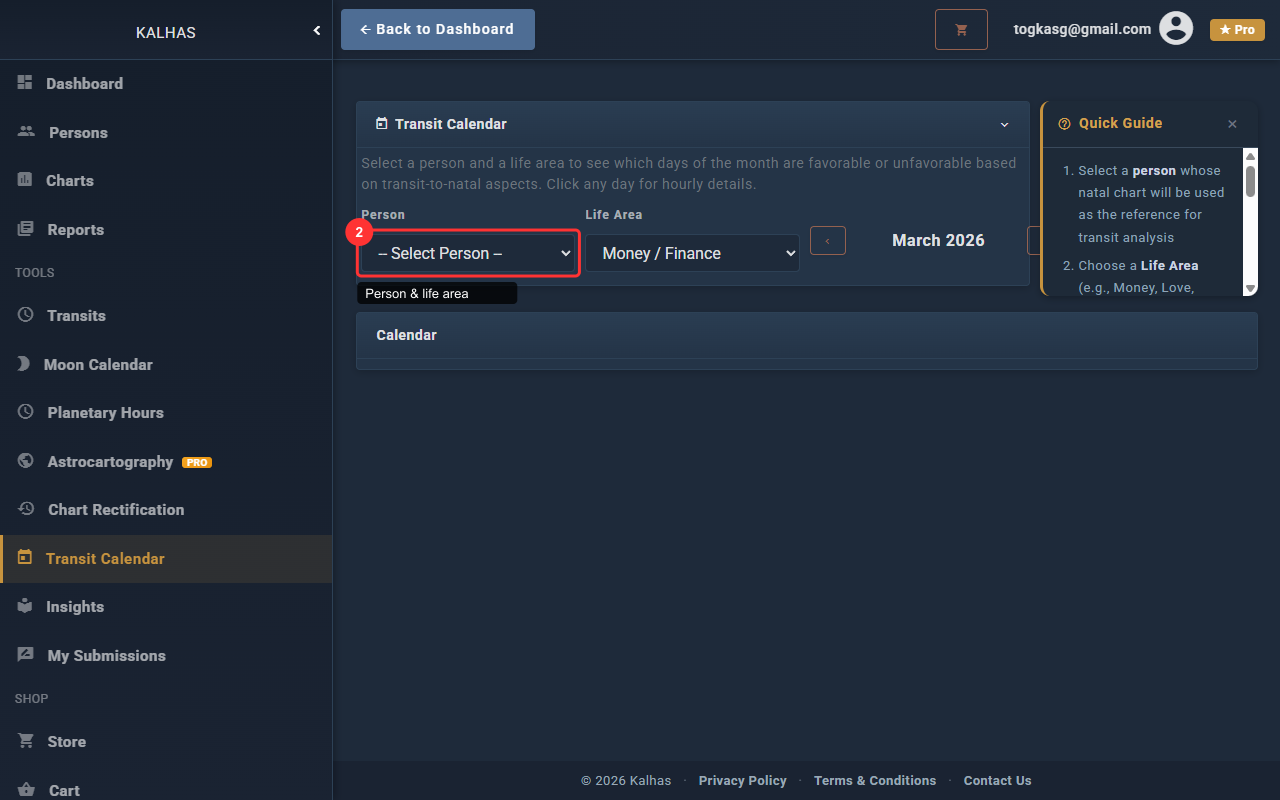
2 Select Person & Life Area
Choose a person and optionally filter by life area (career, love, health, etc.) to focus the transit analysis.
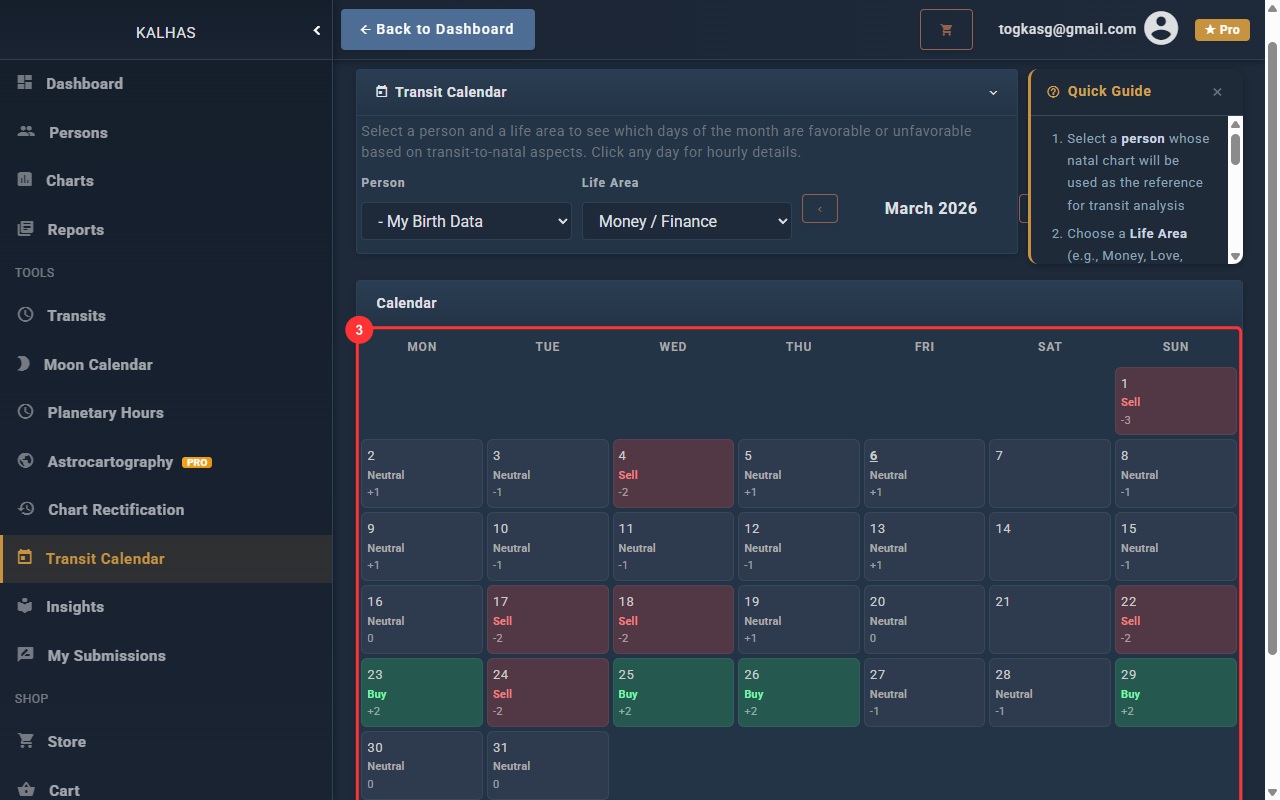
3 Calendar Results
The calendar shows color-coded days: green for positive transits, red for negative ones. Click any day for hourly details.