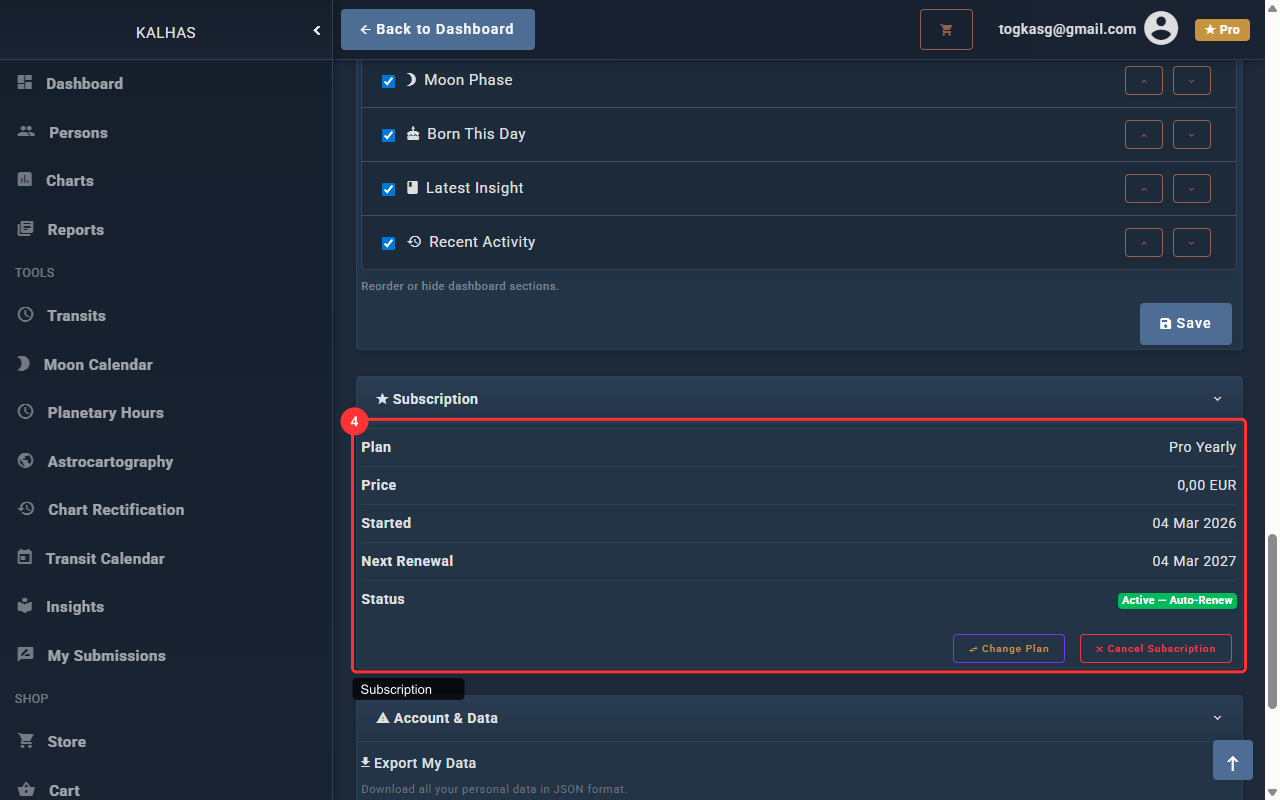
1 Profile
Set your display name and upload a profile picture. Your display name appears across the application.
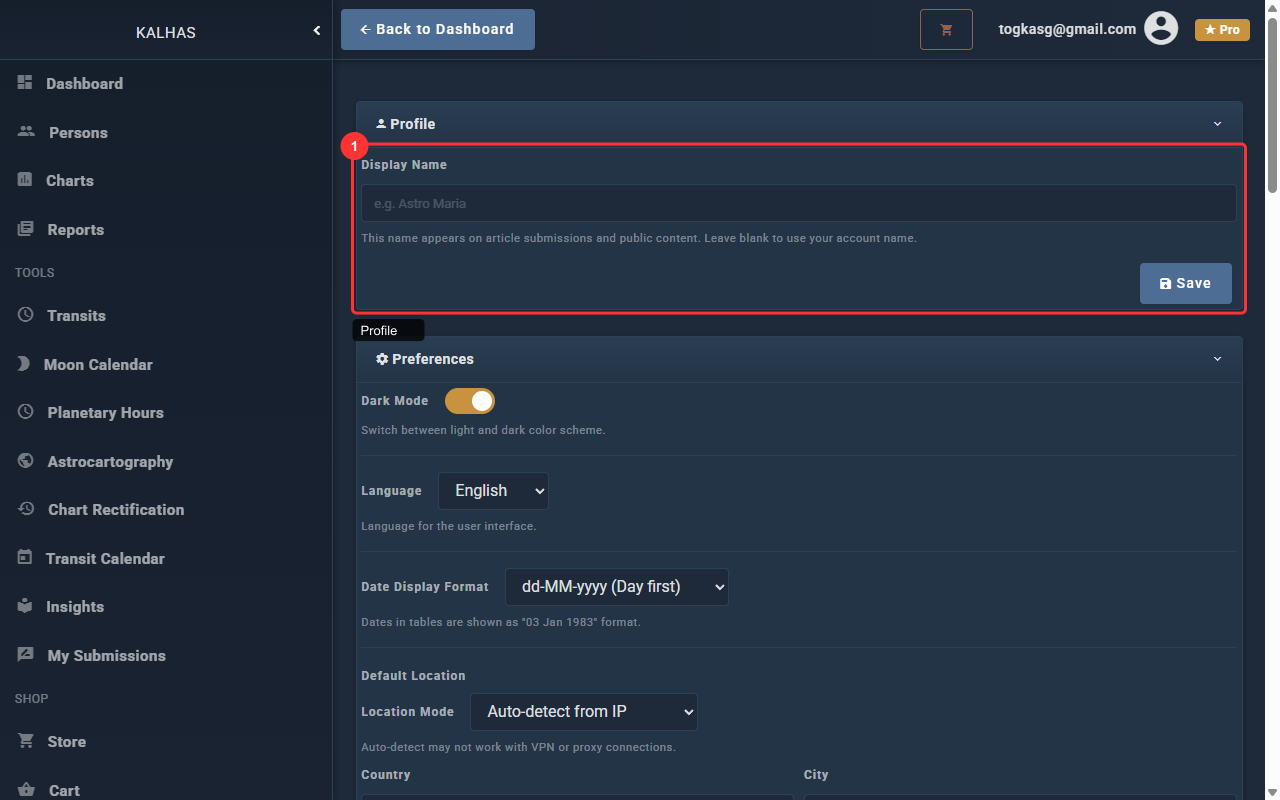
2 Preferences
Configure dark mode, language, date format, default location, house system, zodiac type, and aspect settings.
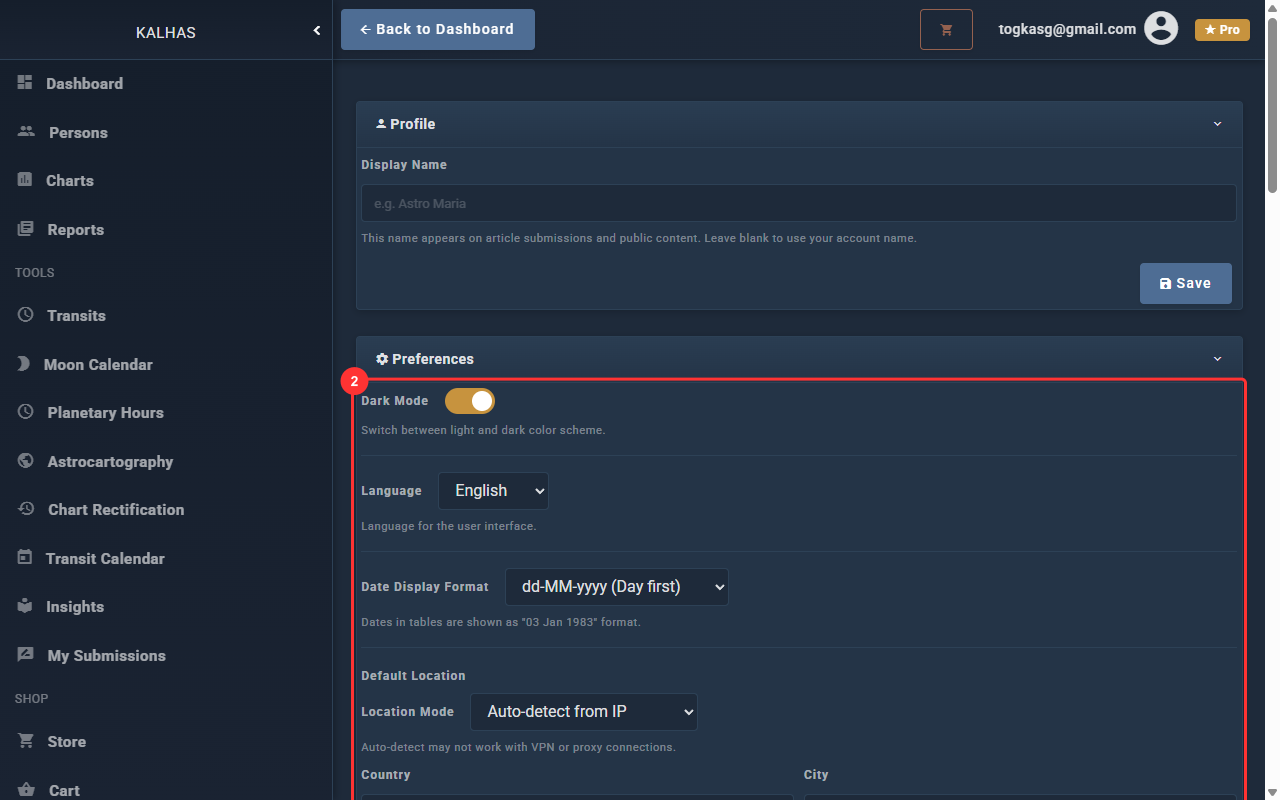
3 Dashboard Layout
Reorder or hide dashboard widgets. Use the arrow buttons to change the order, and checkboxes to show or hide sections.
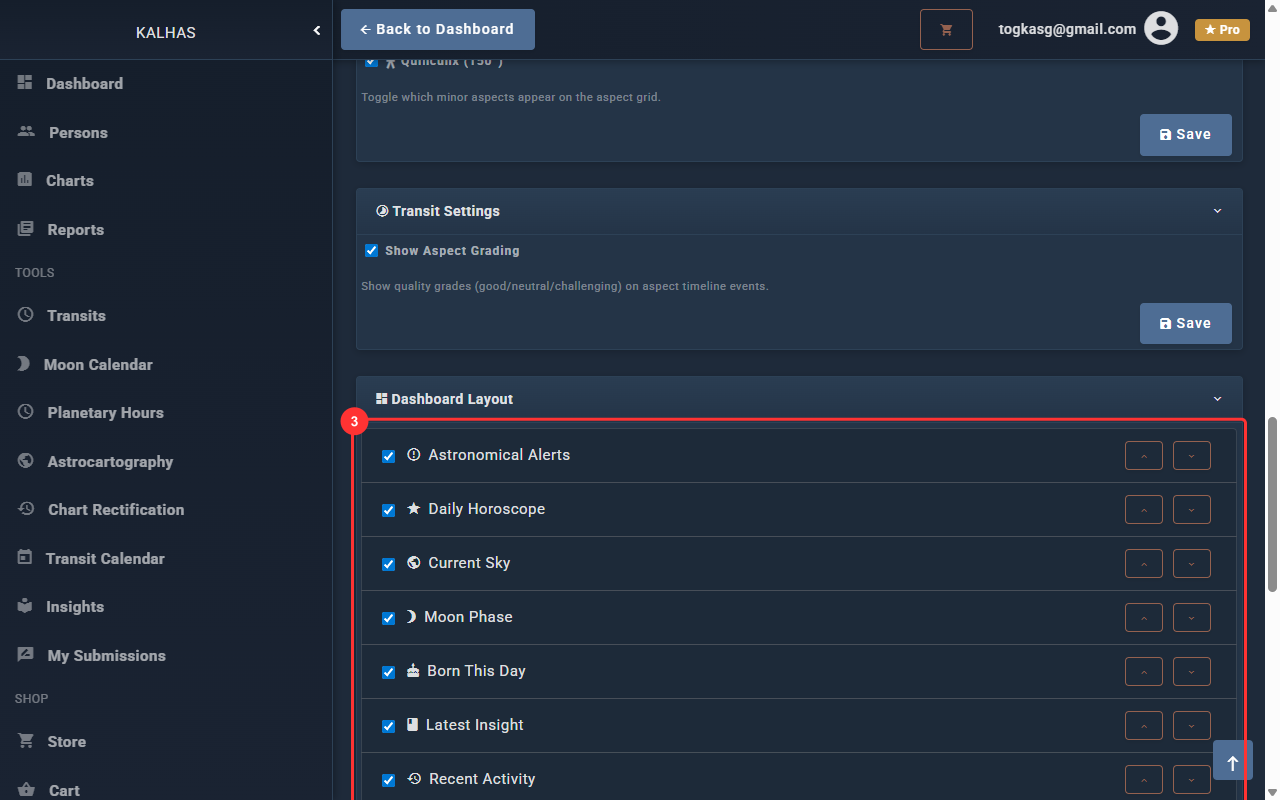
4 Subscription
View your current subscription status, change billing cycle, or cancel/reactivate your Pro plan.