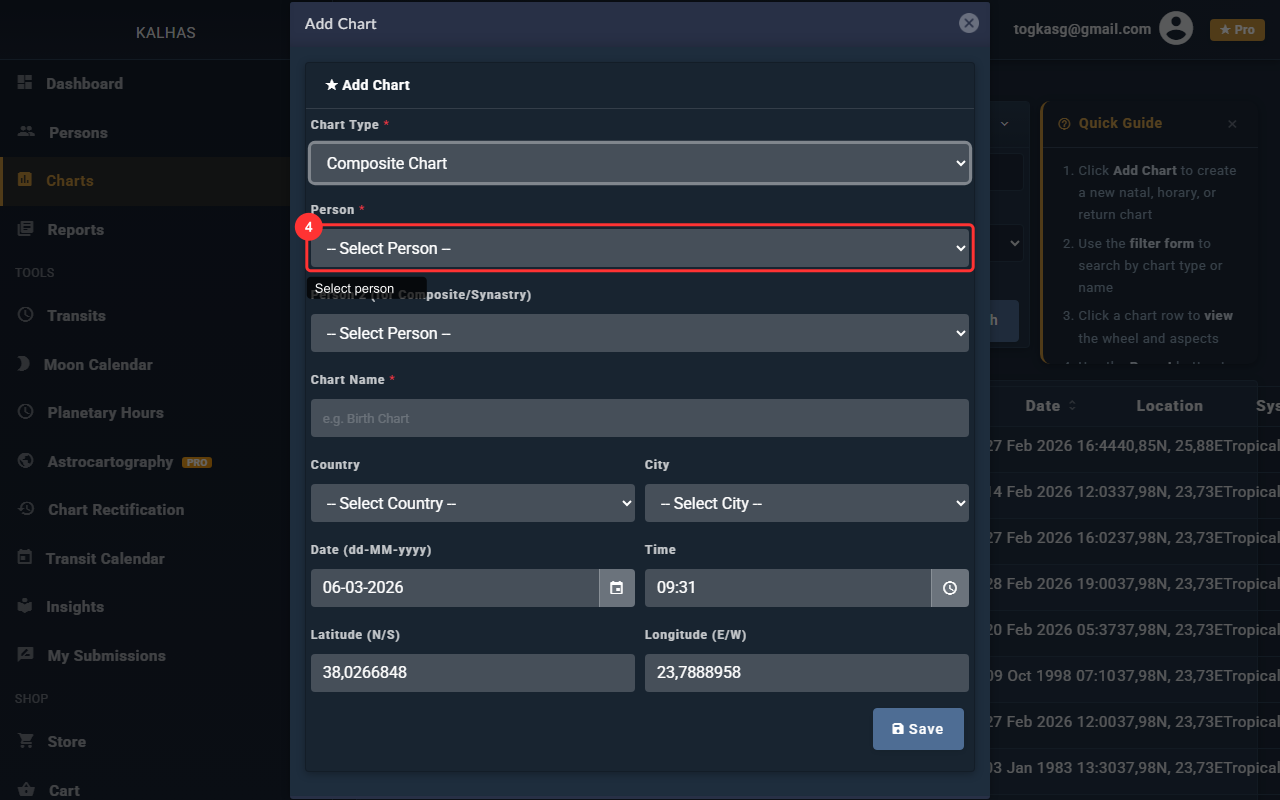
1 Charts Page
The Charts page lists all your charts. Click "Add Chart" to create a new one.
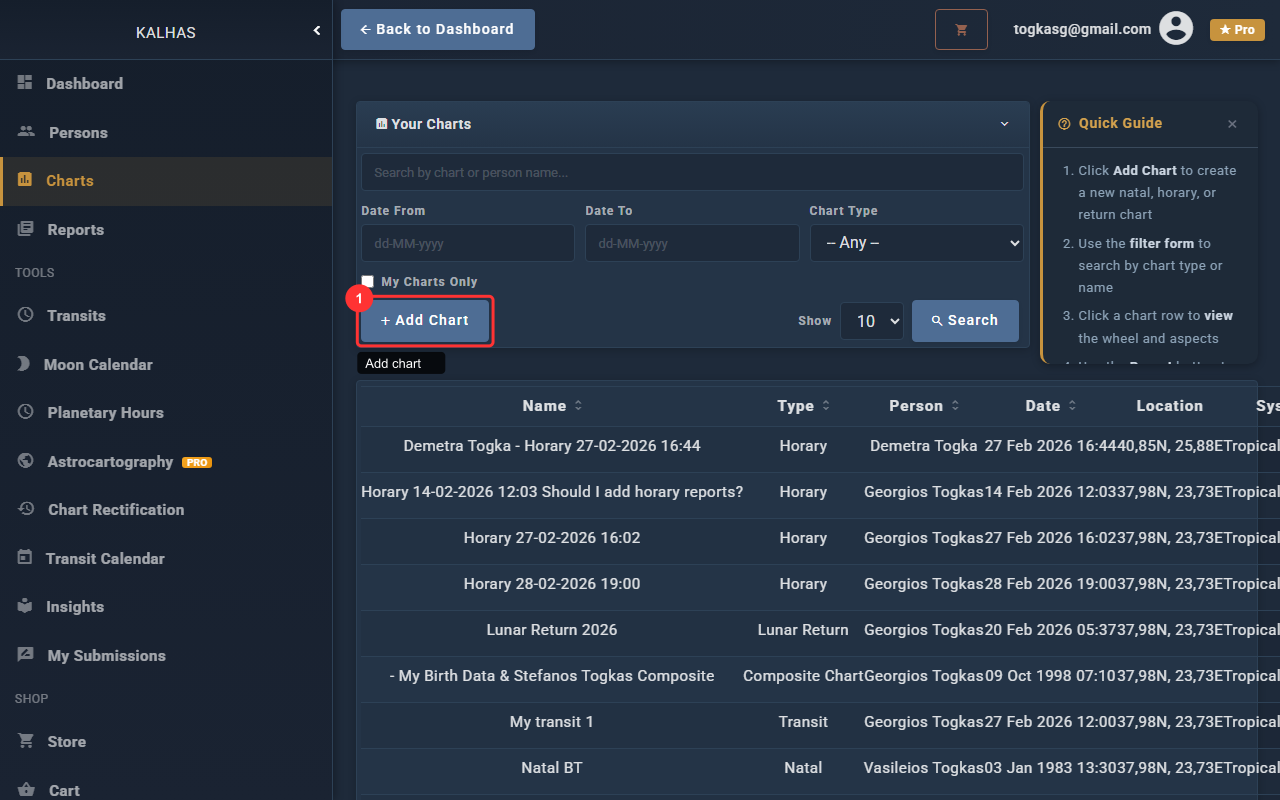
2 New Chart Form
The chart creation form. Select a chart type, pick a person, set the date, and name your chart.
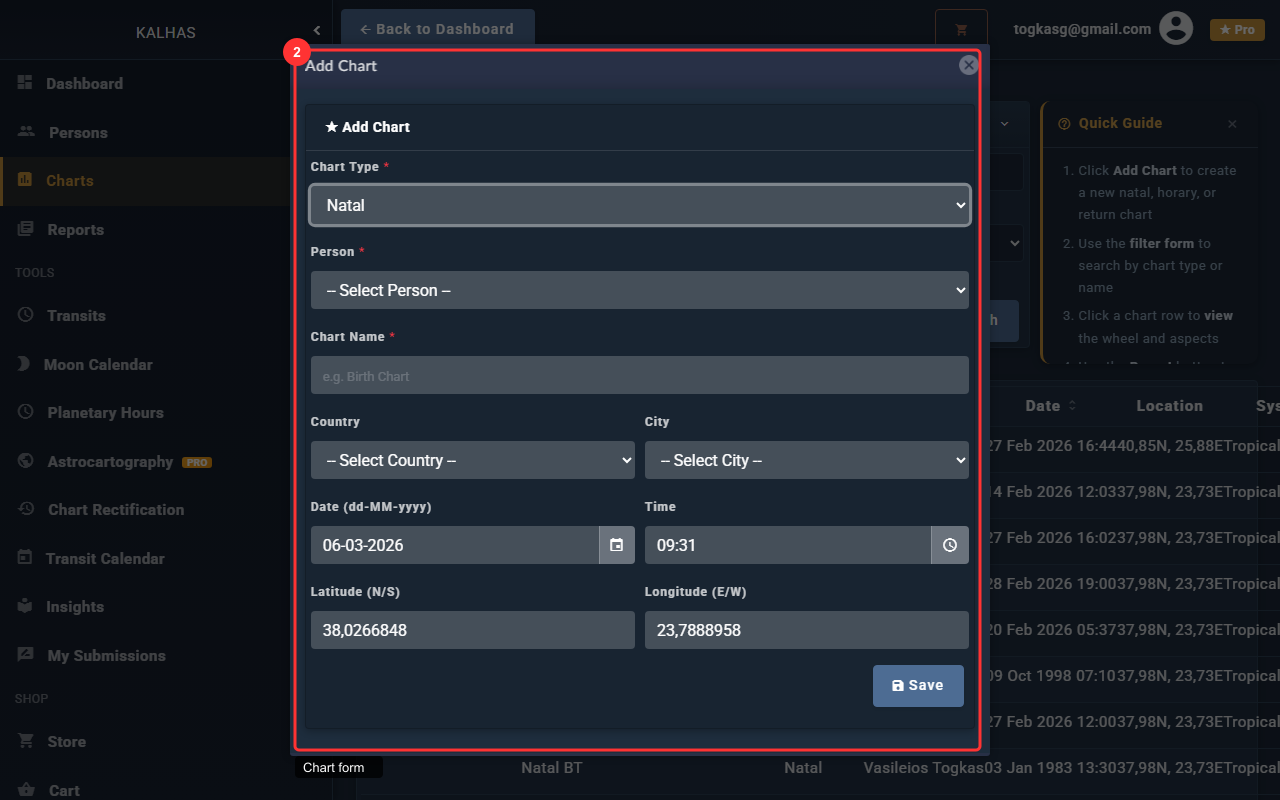
3 Select Chart Type
Choose "Natal" for a birth chart. Other types include Synastry, Composite, Solar Return, and more.
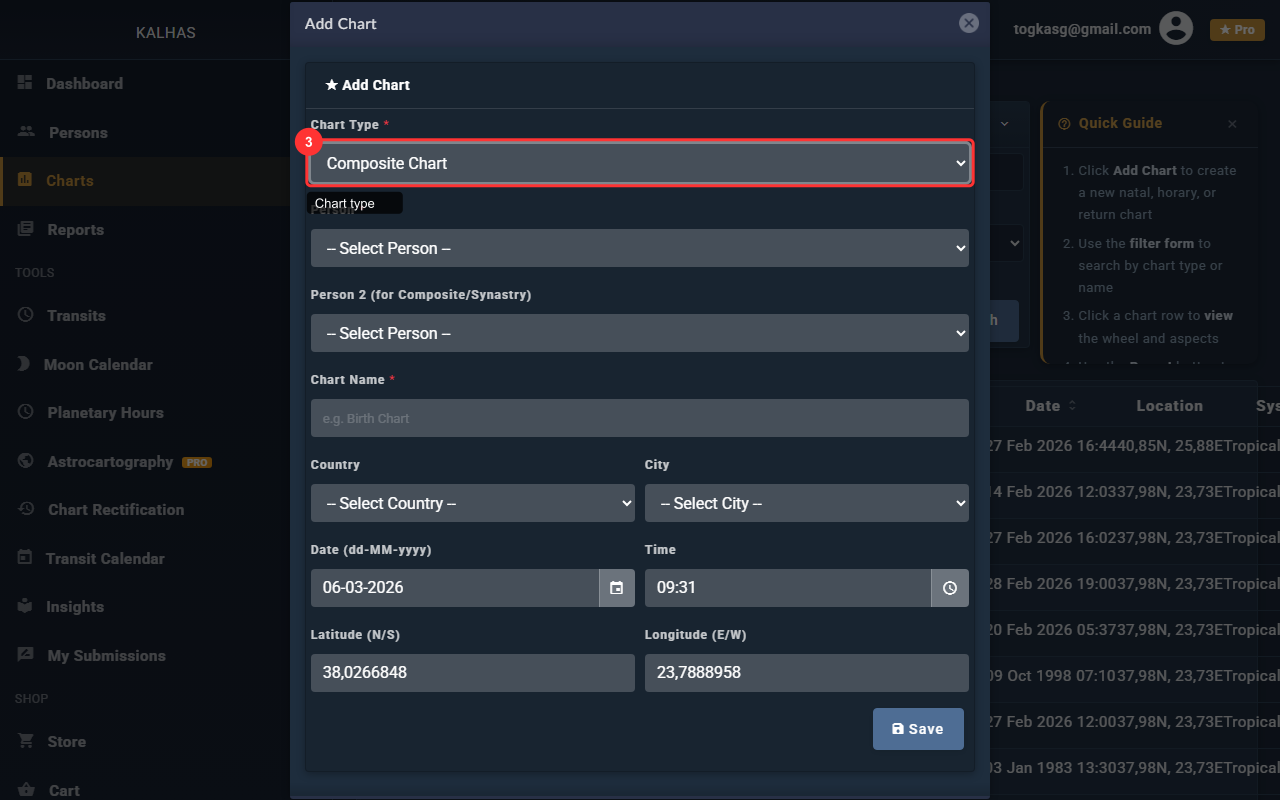
4 Select a Person
Choose from your saved birth profiles. The chart will use that person's birth data.