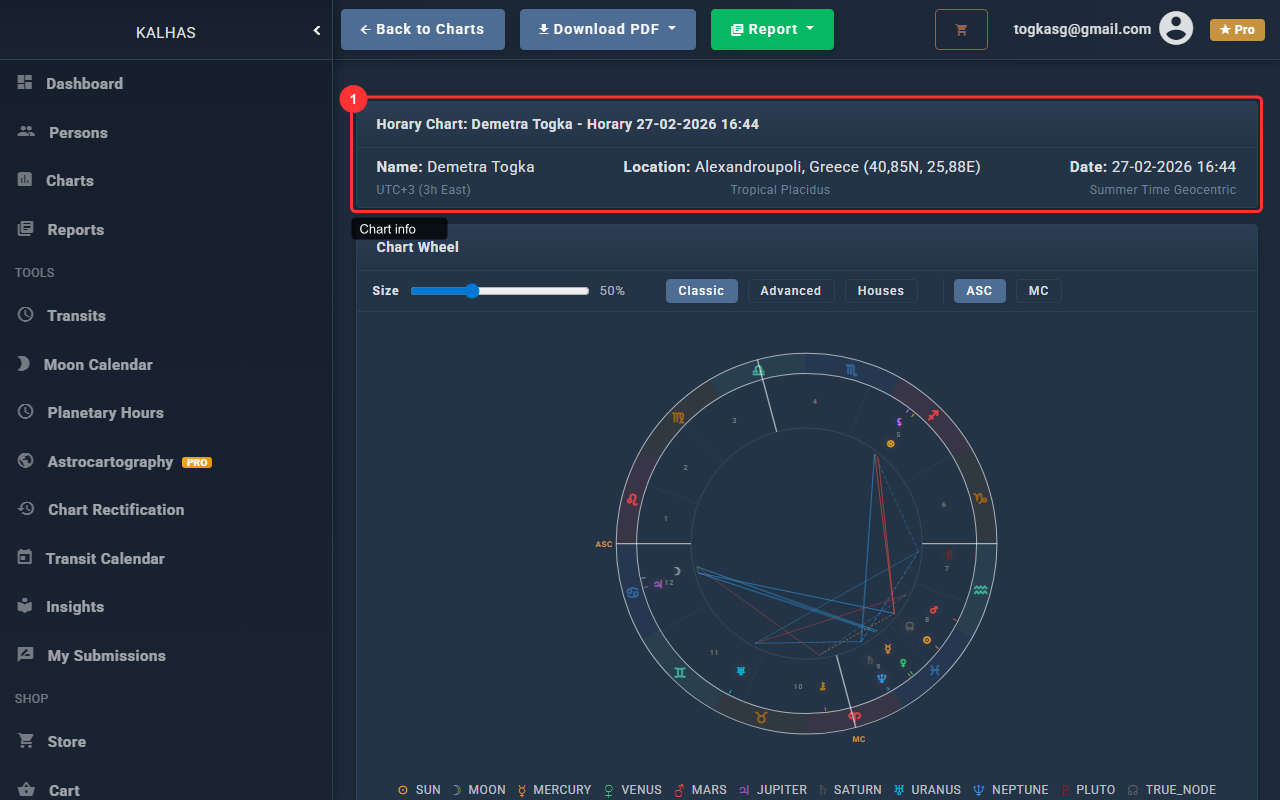
1 Chart Information
The chart page shows birth data, coordinates, and chart metadata at the top.
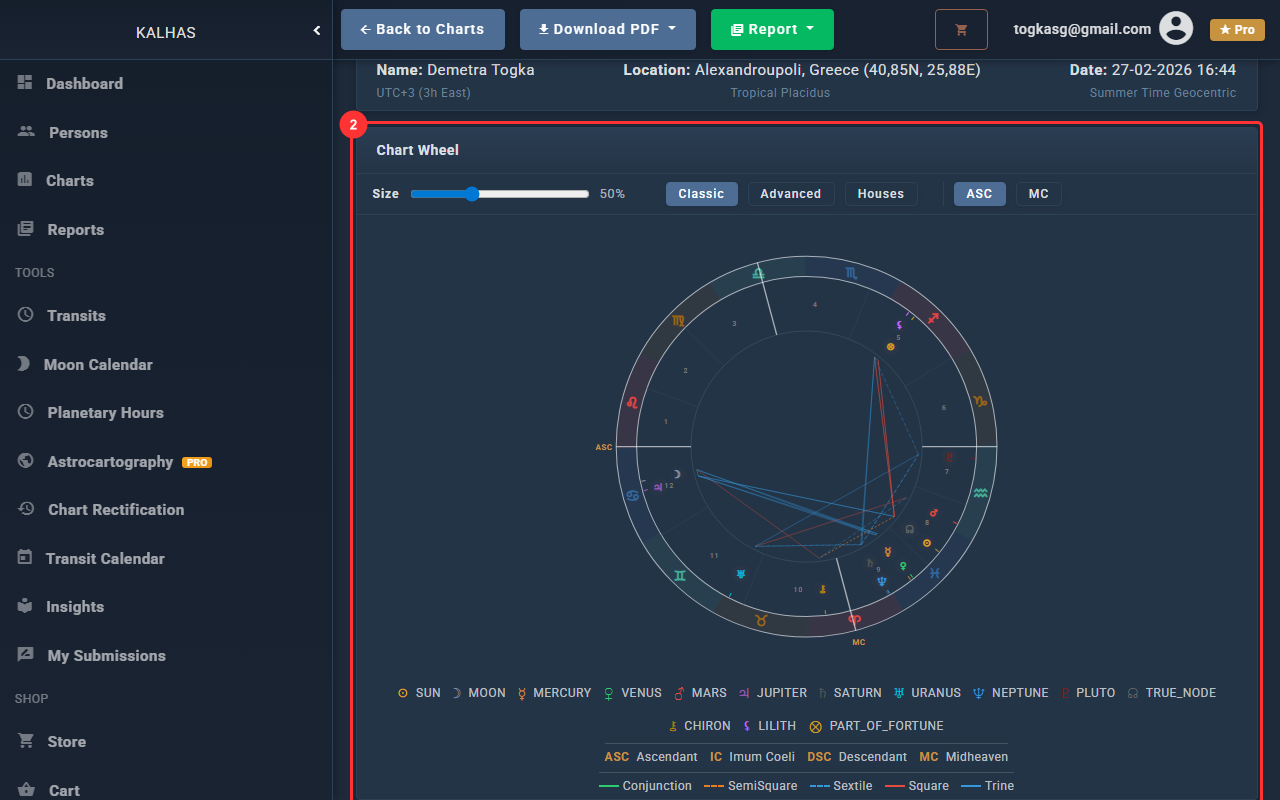
2 The Chart Wheel
The interactive chart wheel shows planets, signs, houses, and aspects. Hover over elements for details.
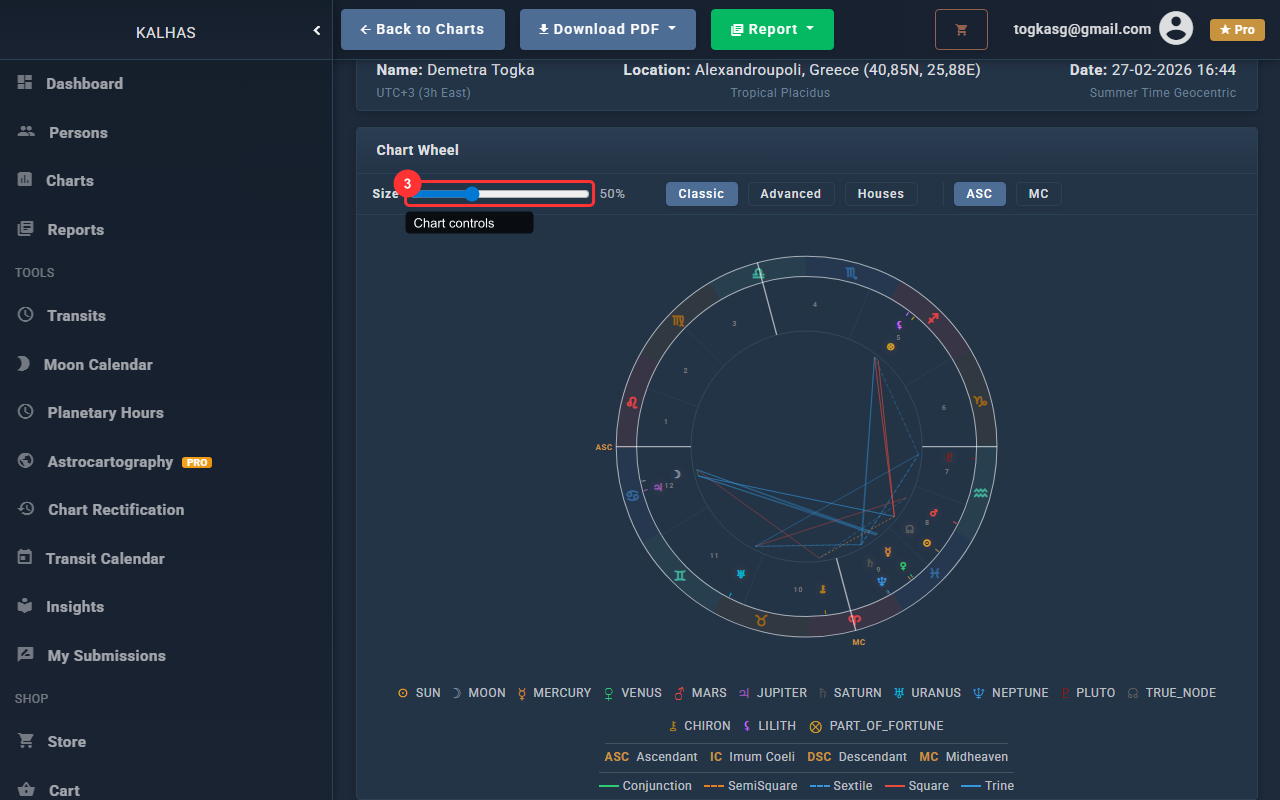
3 Chart Style & Size
Adjust the chart size with the slider. Switch between Classic, Kepler, and Houses views.
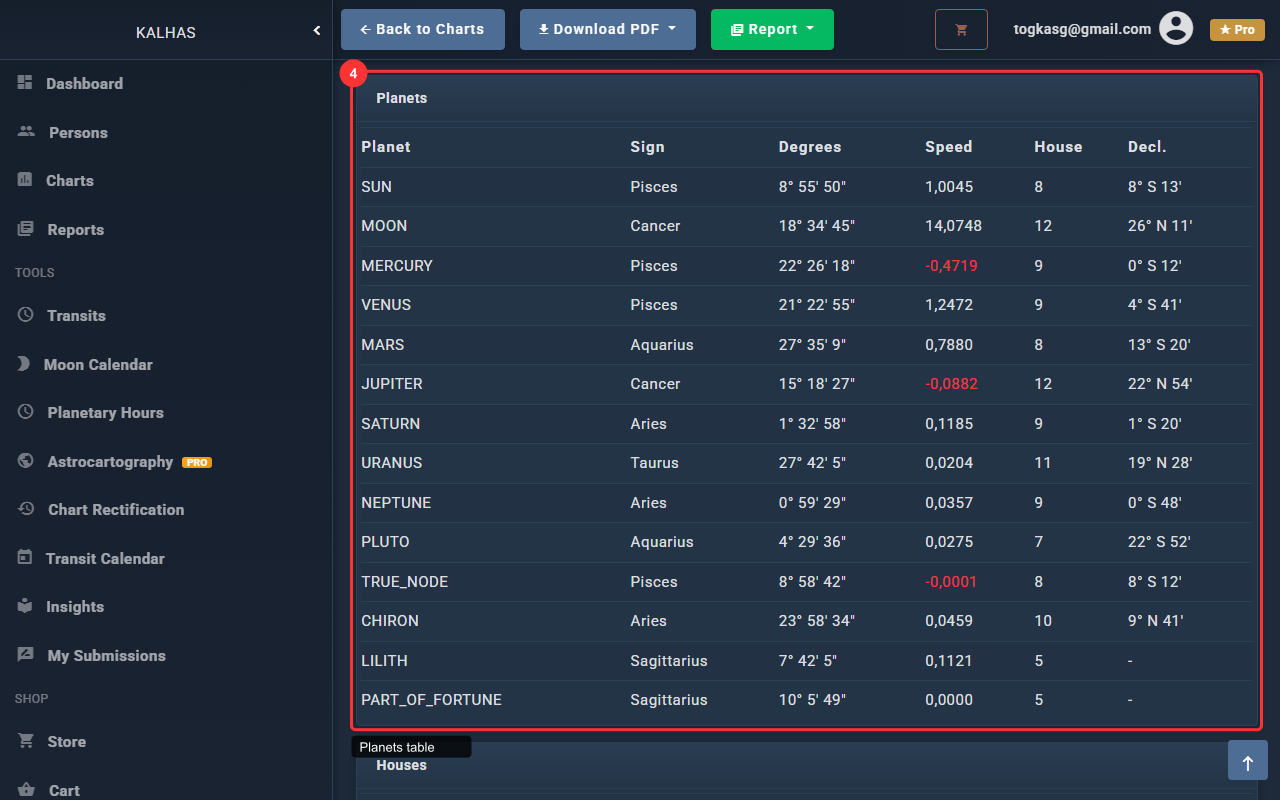
4 Planetary Positions
The planets table shows each body's position, sign, house, and degree.
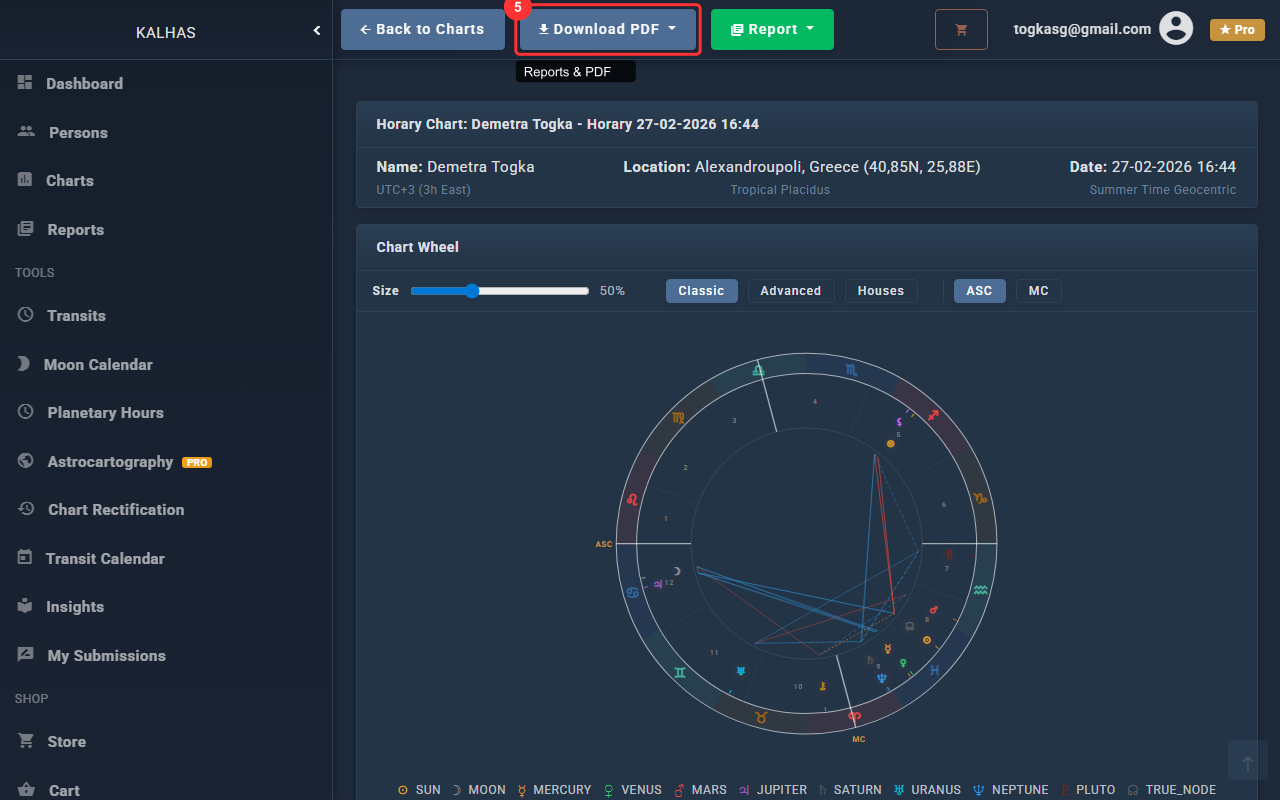
5 Reports & PDF Export
Use the dropdown buttons to generate interpretation reports or download a PDF of the chart.