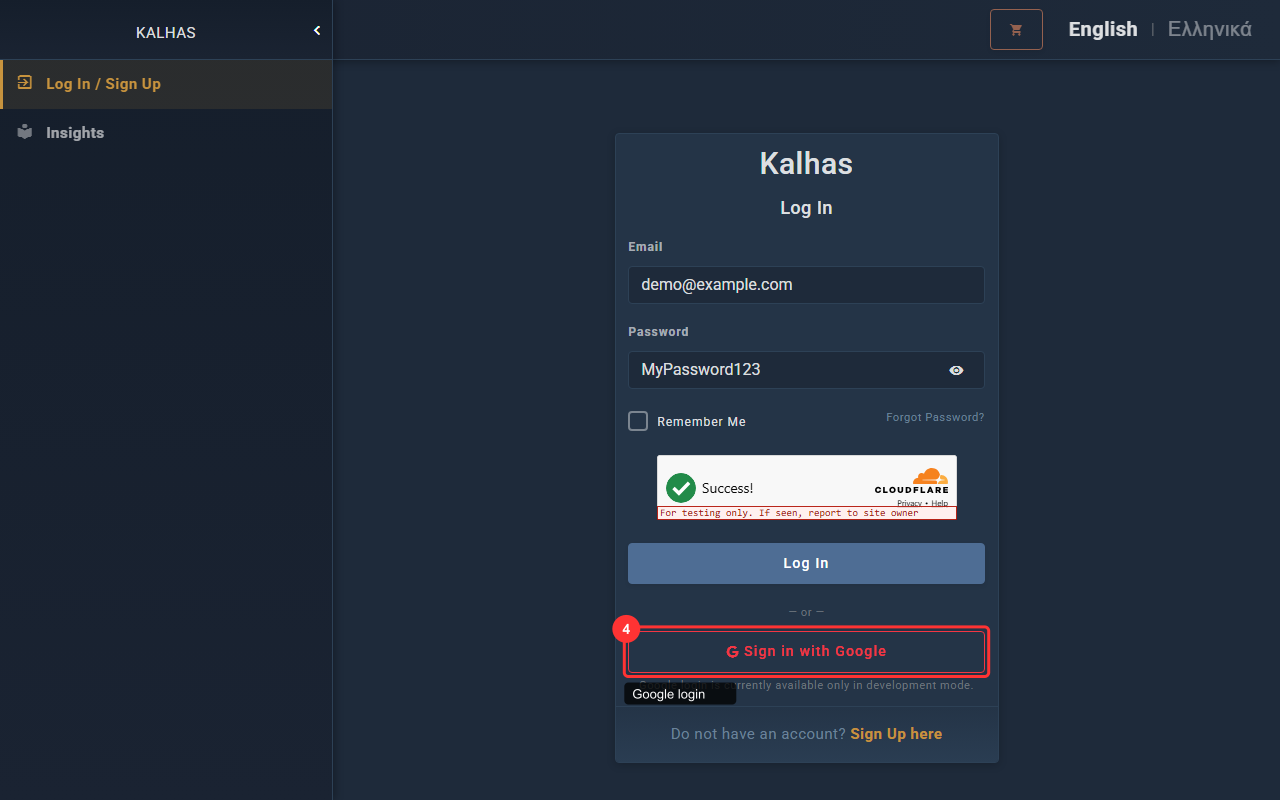
1 Login Form
Enter your email and password to log in to your account.
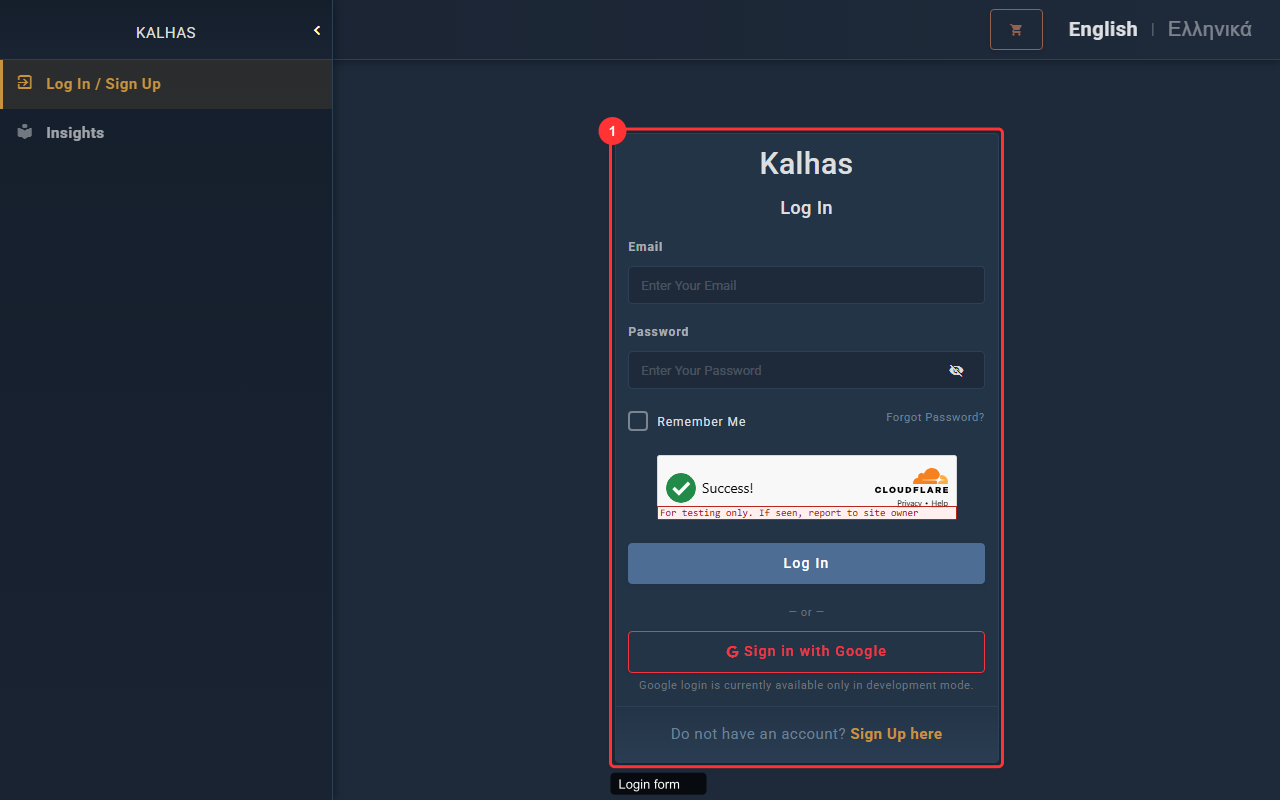
2 Password Visibility Toggle
Click the eye icon to show or hide your password while typing.
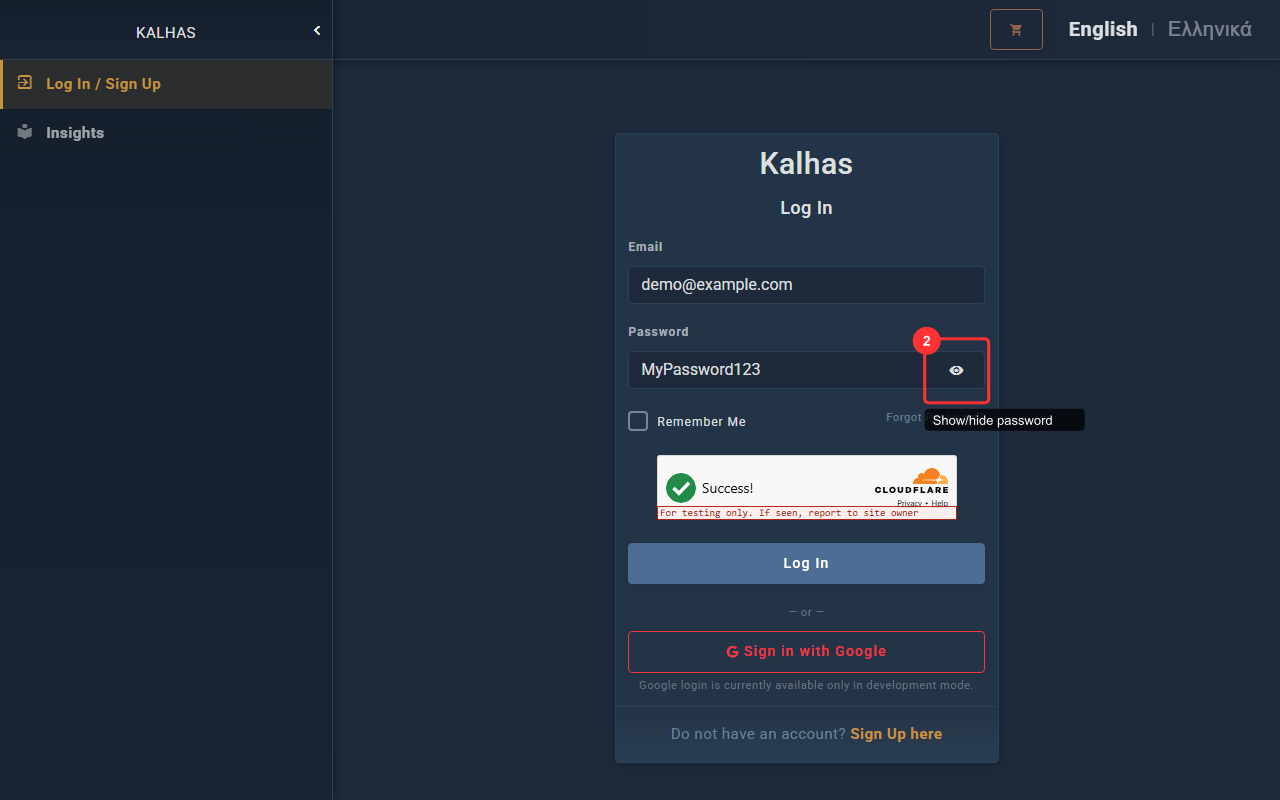
3 Remember Me & Forgot Password
Check "Remember Me" to stay logged in. Use "Forgot Password" if you need to reset.
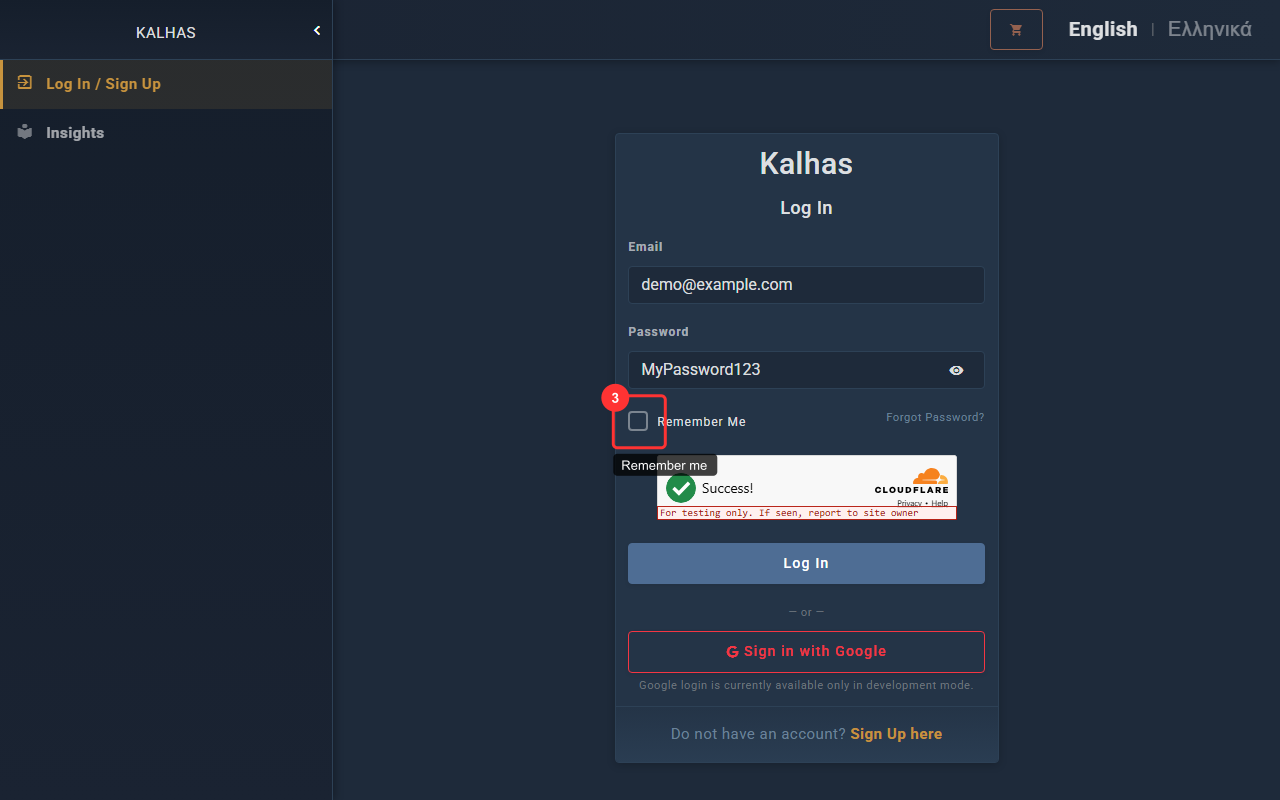
4 Sign In with Google
Use your Google account to sign in without a password.