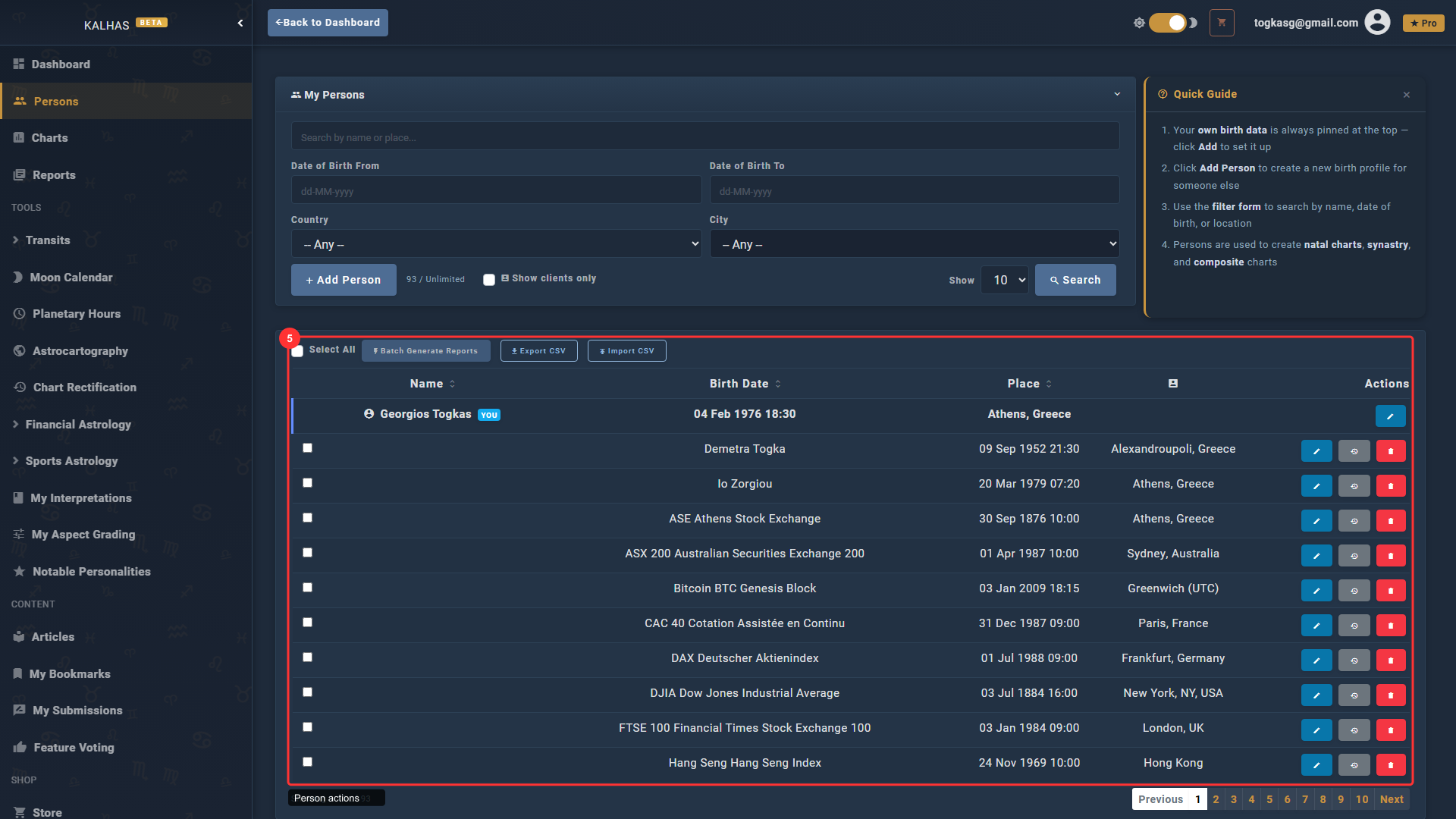
1 Find the Pack in the Store
The Client Management Pack unlocks unlimited birth profiles, client tagging, private notes, and activity tracking for professional astrologers.
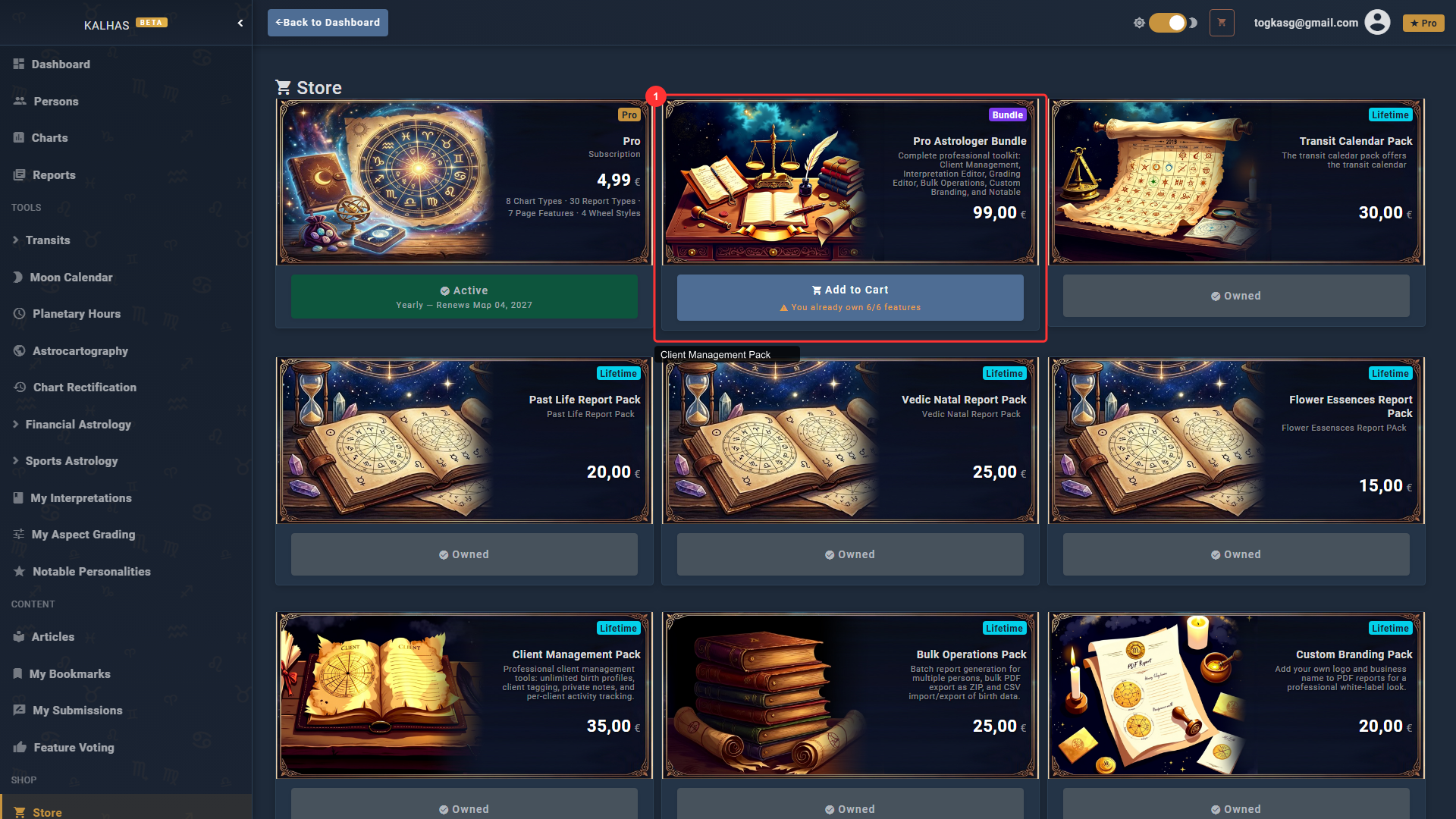
2 Your Persons List
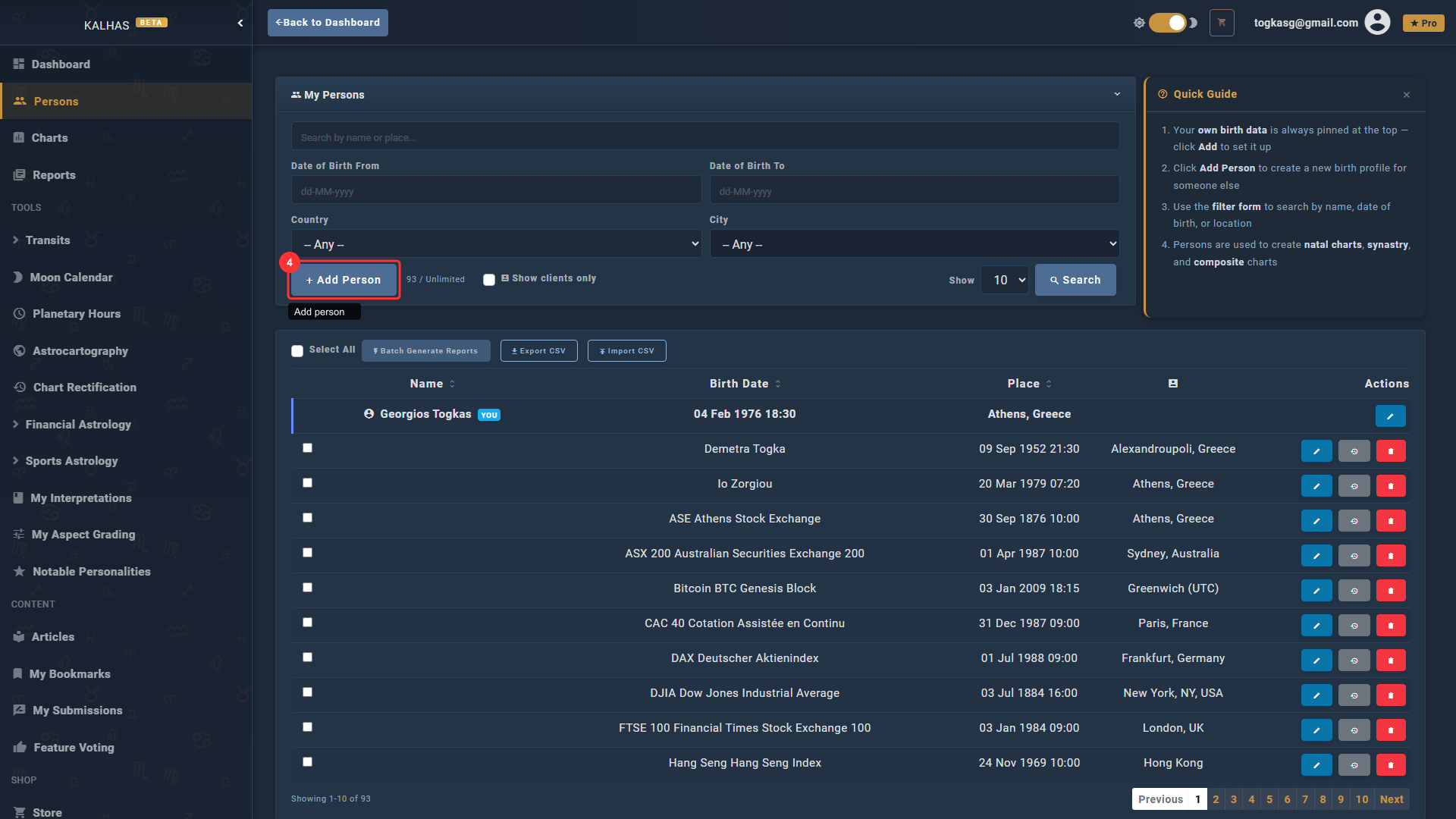
The Persons page shows all birth profiles. With Client Management, your profile limit is removed — add as many clients as you need.
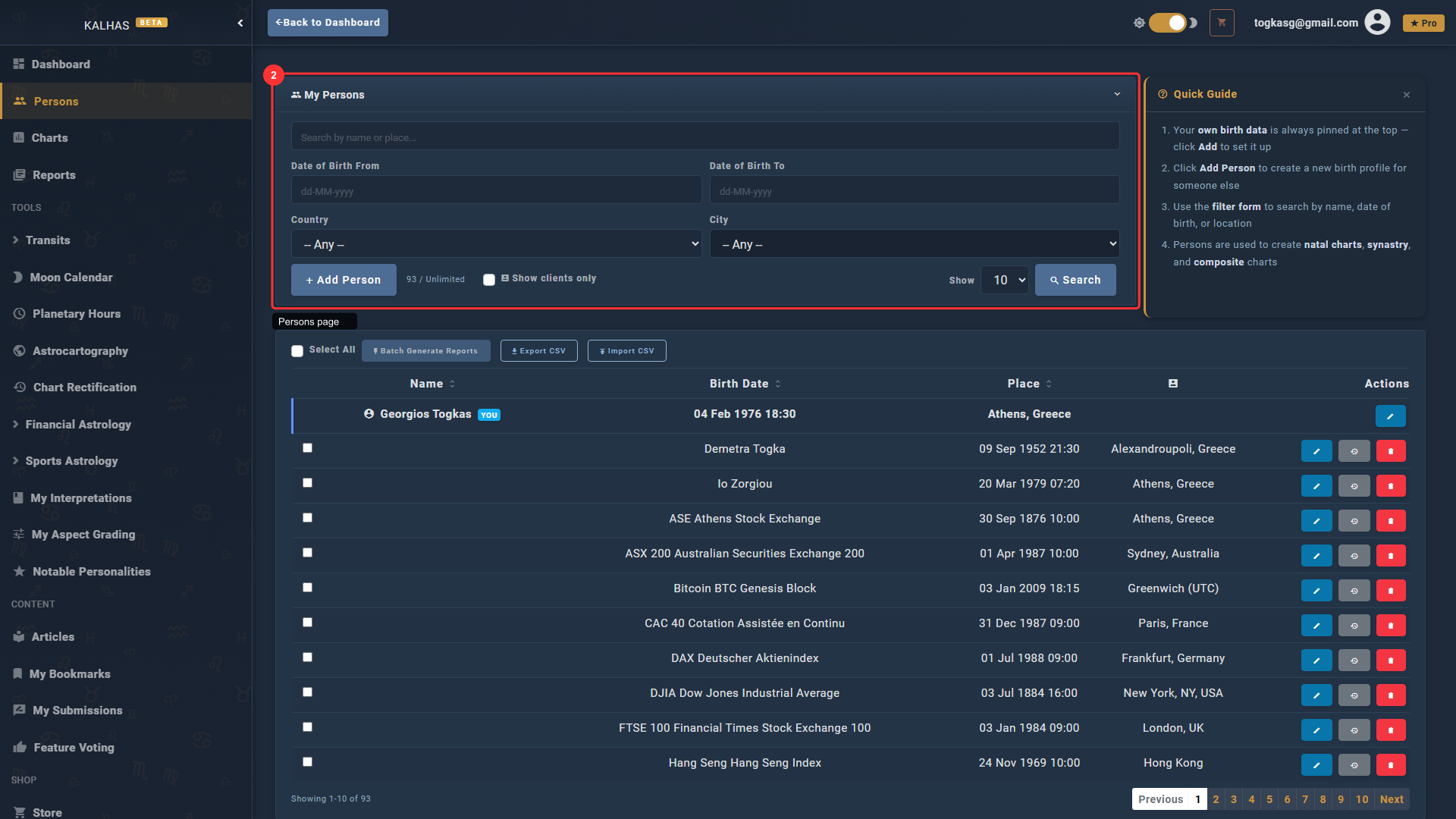
3 Filter by Clients
The "Show clients only" checkbox lets you quickly filter your person list to only those marked as clients.
4 Add a New Client
Click "Add Person" to create a new birth profile. You can mark any person as a client and add private consultation notes.
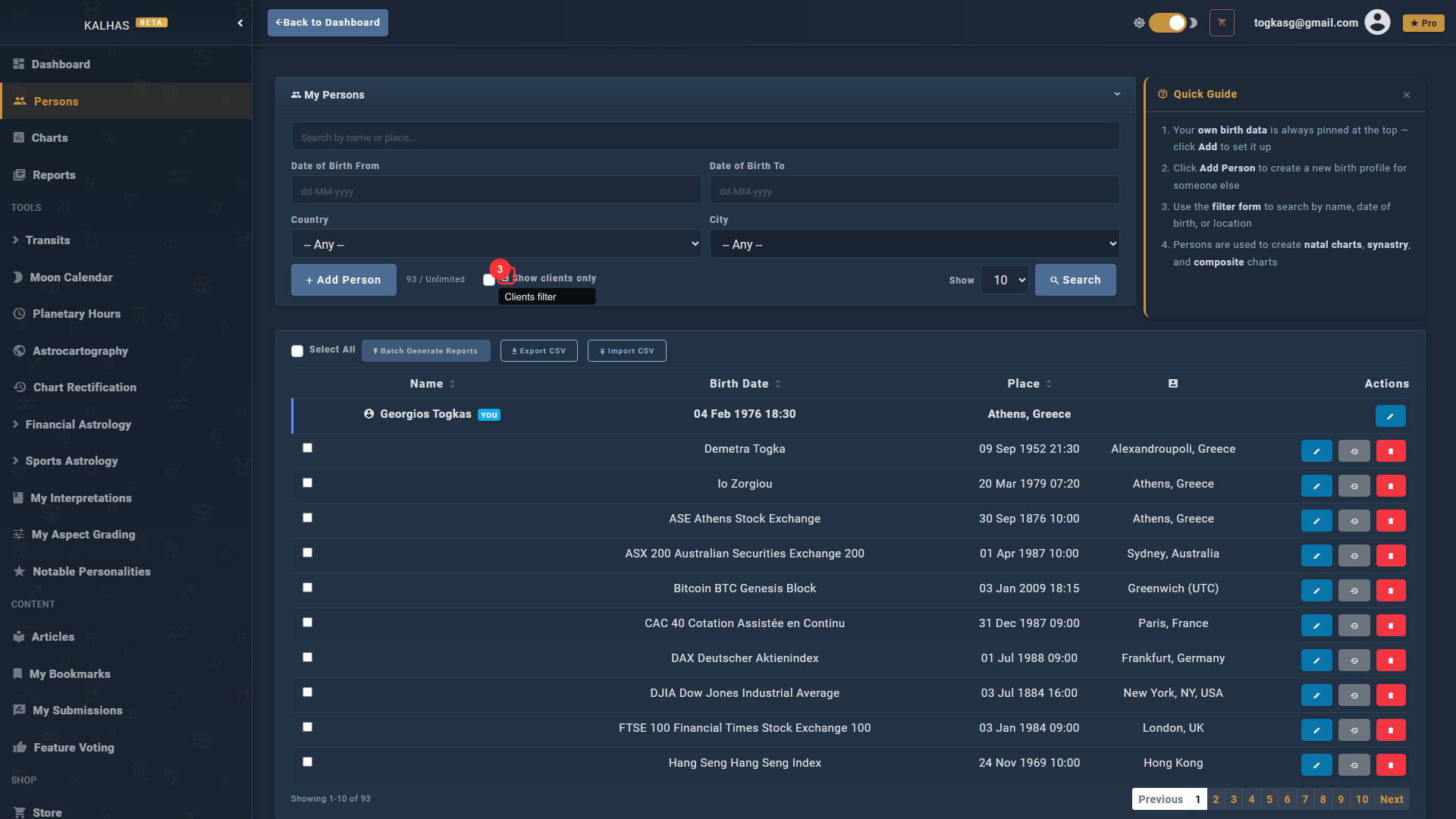
5 Client Actions
Each person row has action buttons: view charts, edit details, and — with Client Management — view their full activity history including all generated reports.