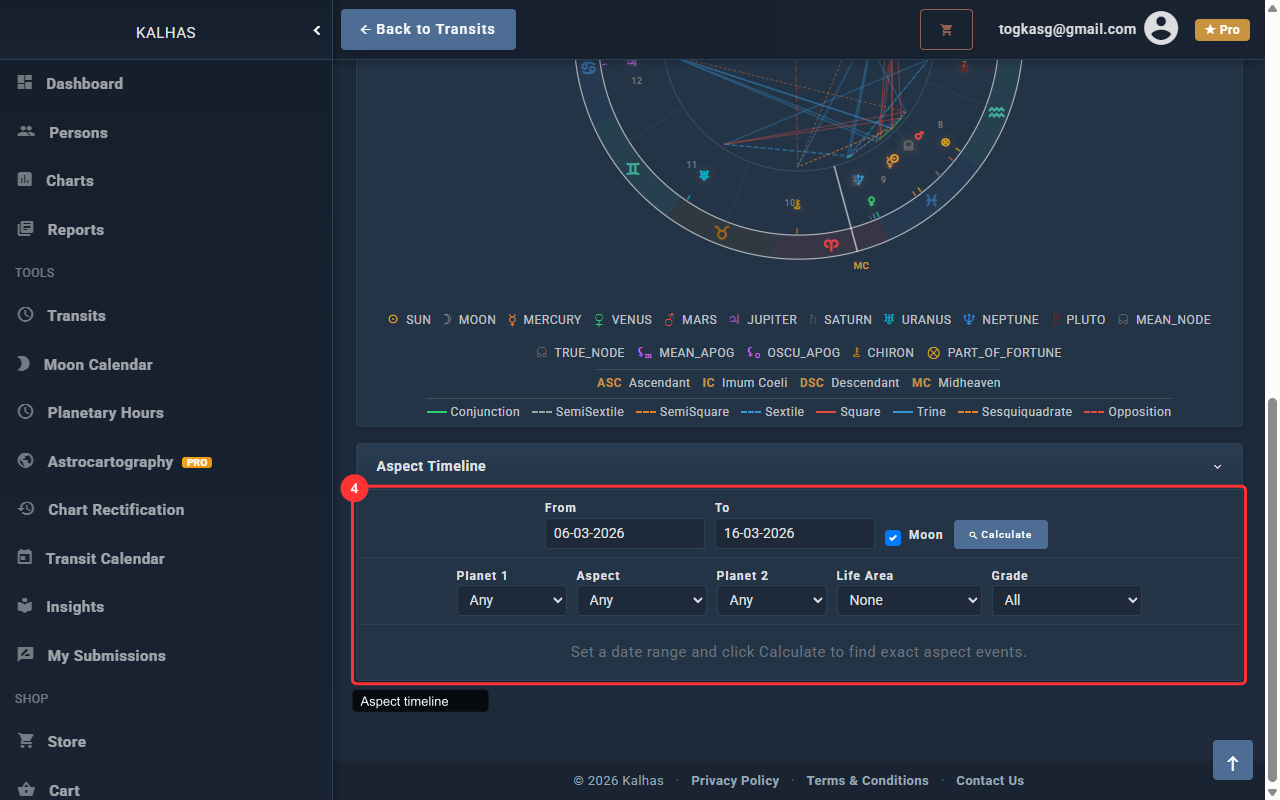
1 Transit Animator
The Transit Animator shows a live chart wheel with transiting planets. Set the date, time, and location to begin.
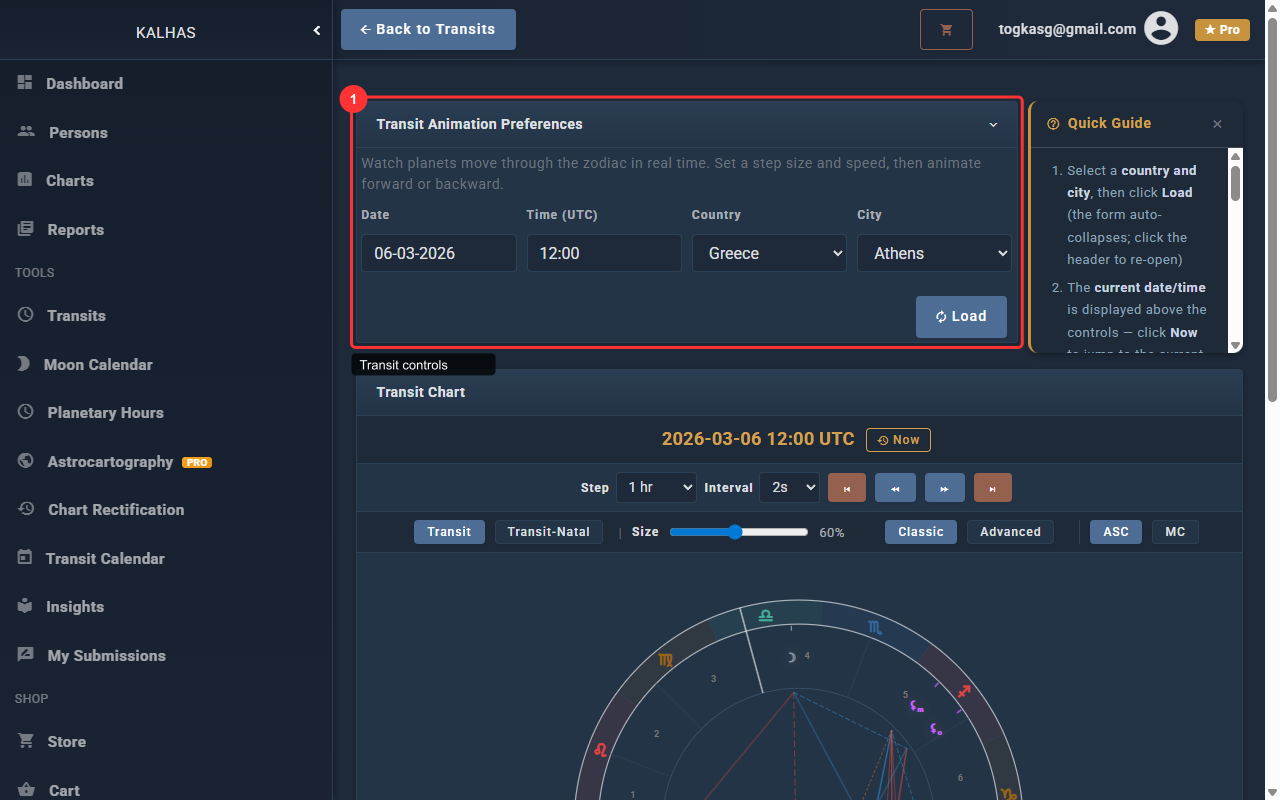
2 Playback Controls
Use Play, Pause, step forward/backward buttons to animate transiting planets through time.
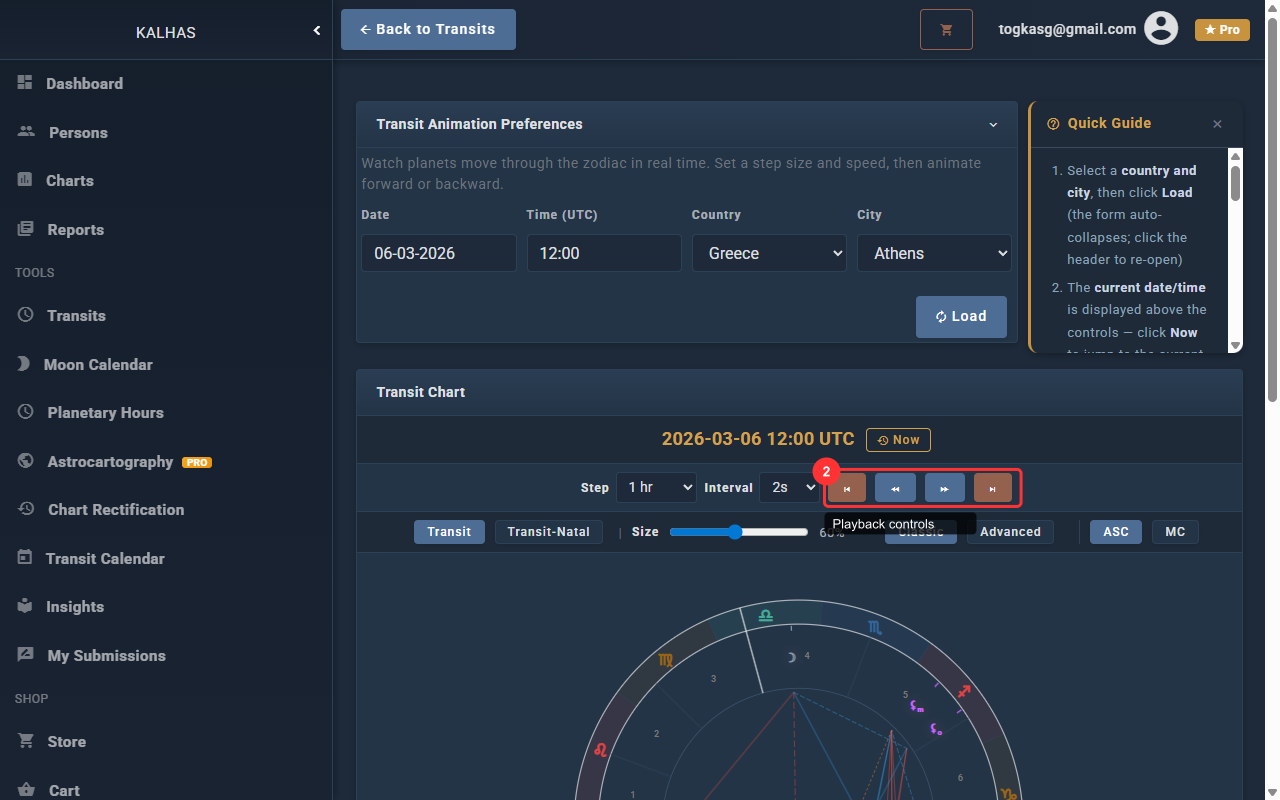
3 Chart Mode & Style
Toggle between transit-only and biwheel (natal + transit) modes. Change chart style with the style buttons.
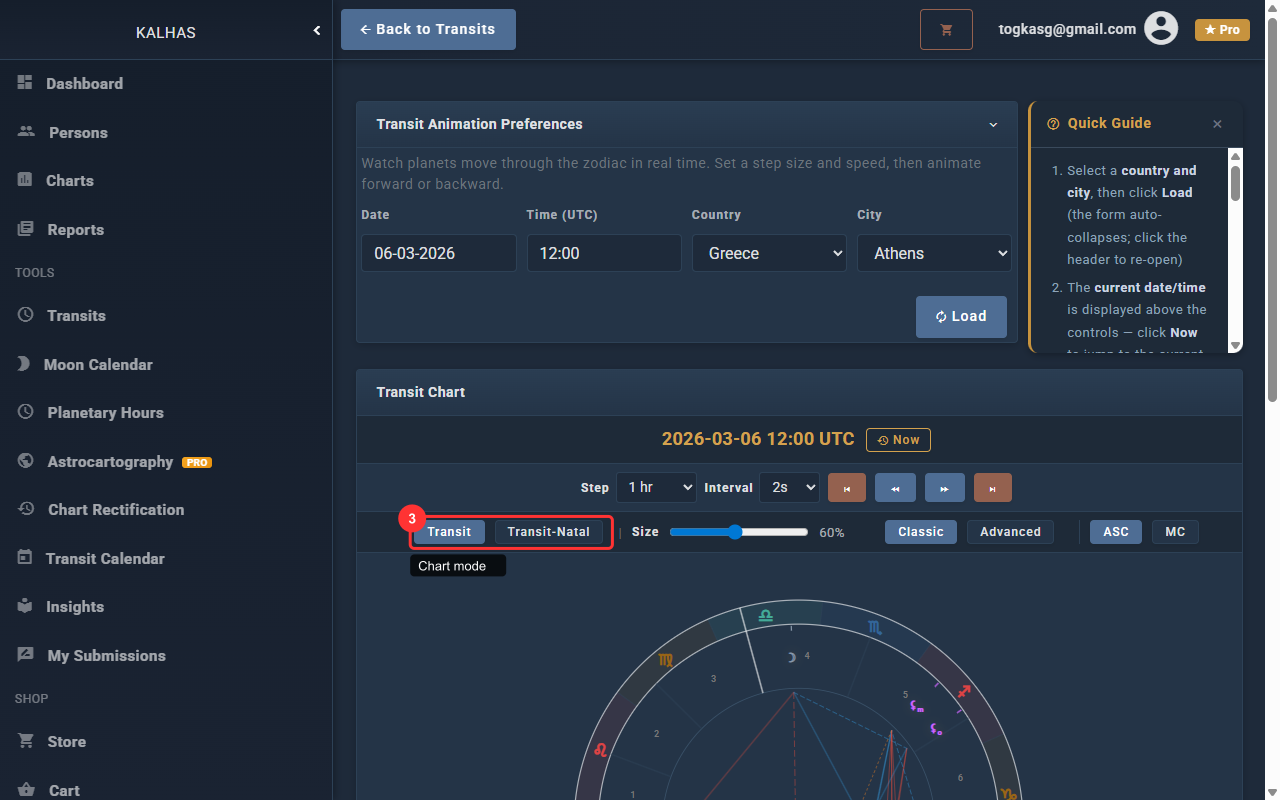
4 Aspect Timeline
The Aspect Timeline calculates upcoming exact aspects within a date range. Search and filter by planet or aspect type.