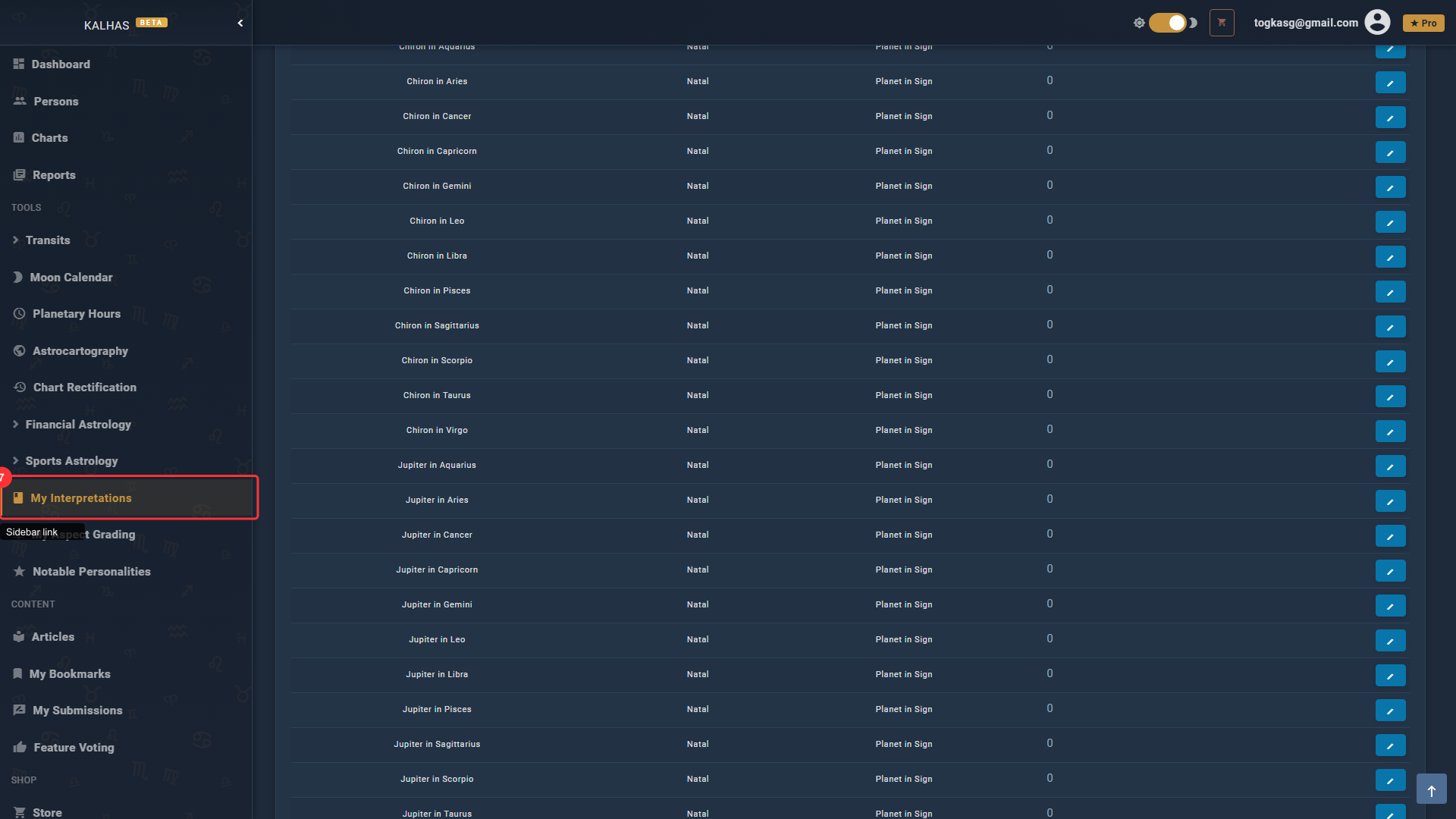
1 Find the Pack in the Store
The Interpretation Editor Pack lets you customize any report interpretation text to match your personal astrological style and approach.
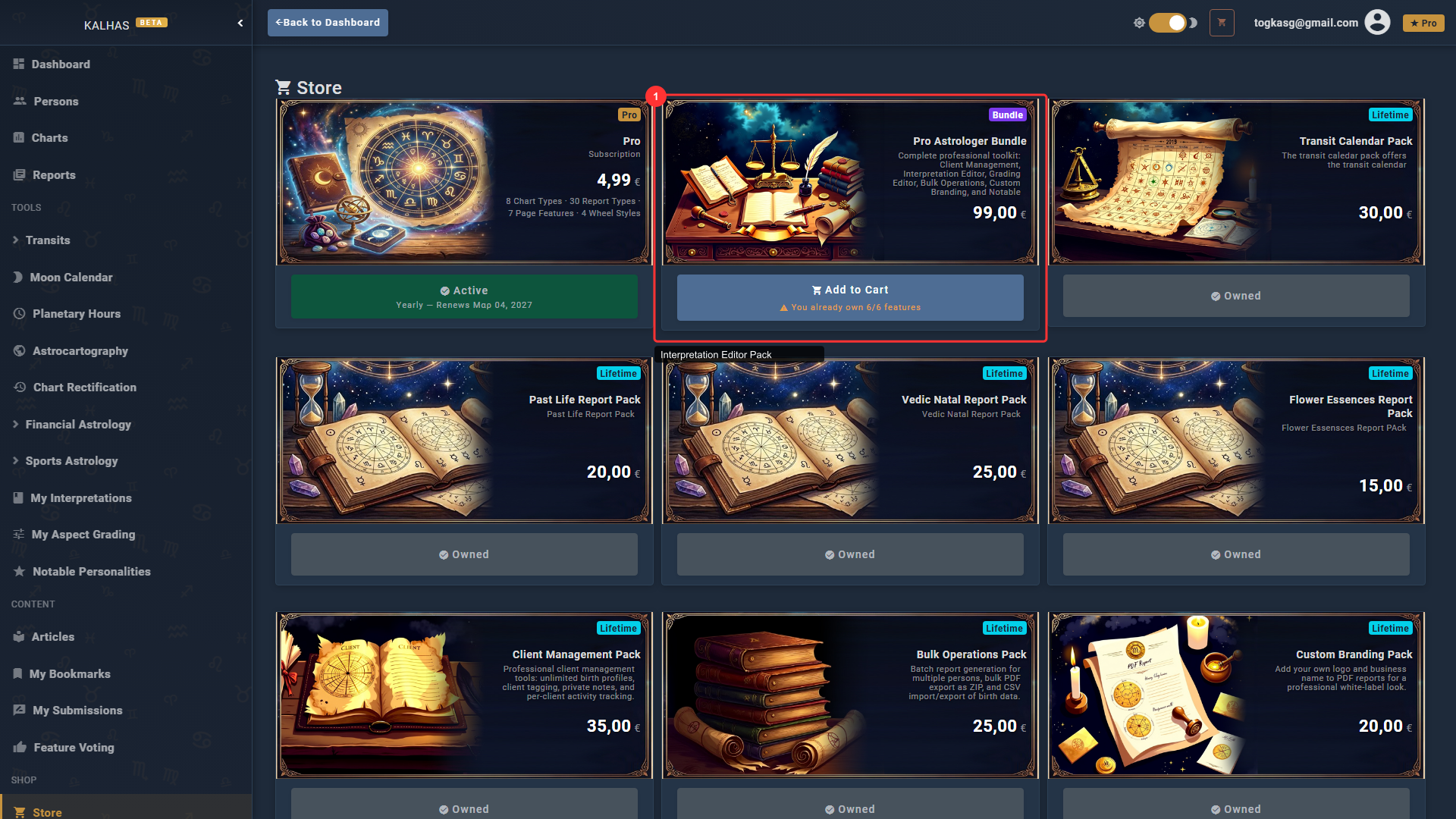
2 My Interpretations
The My Interpretations page shows all available interpretation texts across 26+ report types. Use the filters to navigate to the exact text you want to customize.
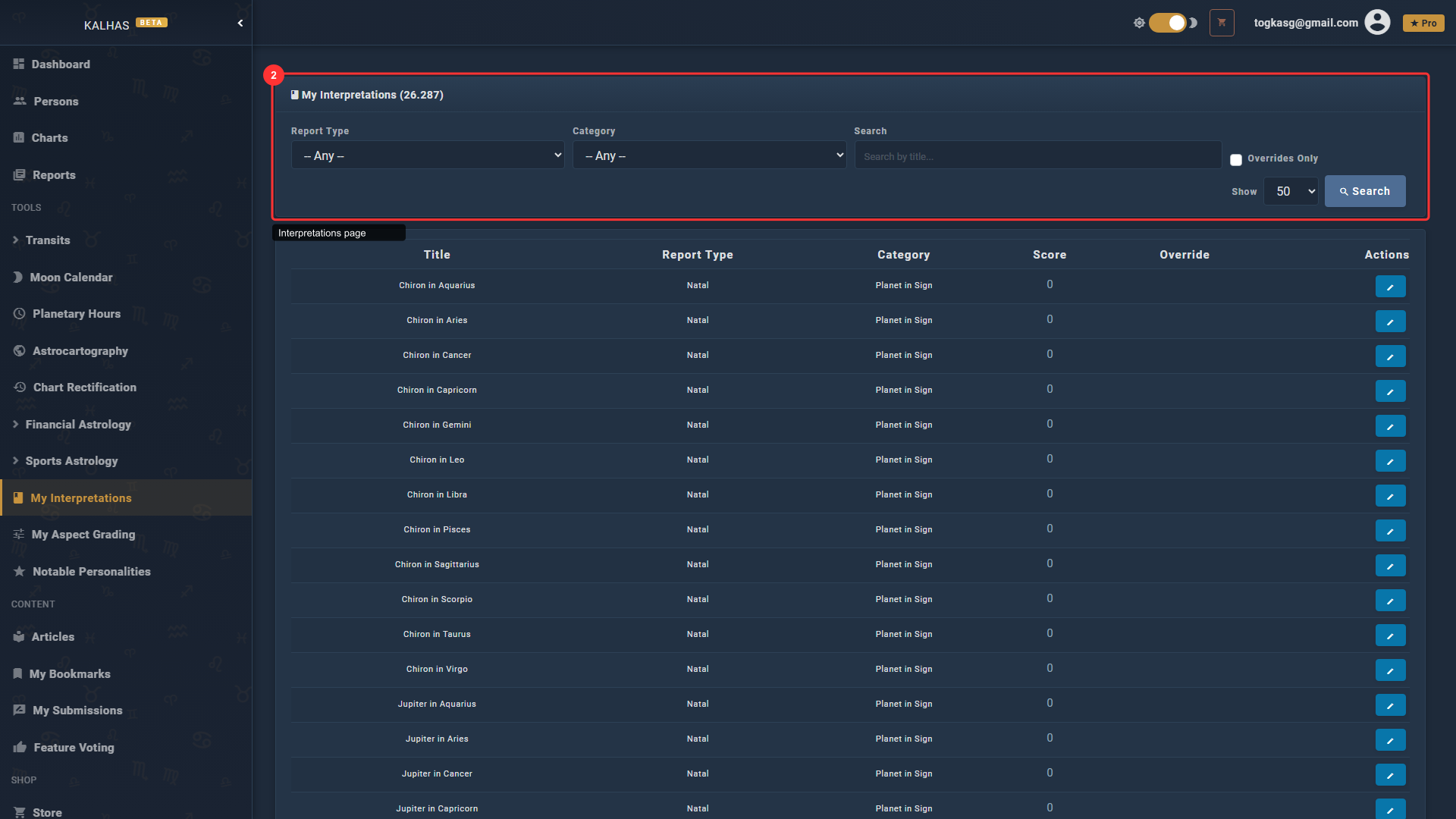
3 Filter by Report Type
Select a report type (Natal, Transit, Synastry, Karmic, etc.) and category (Planet in Sign, Aspect, etc.) to narrow down the interpretations list.
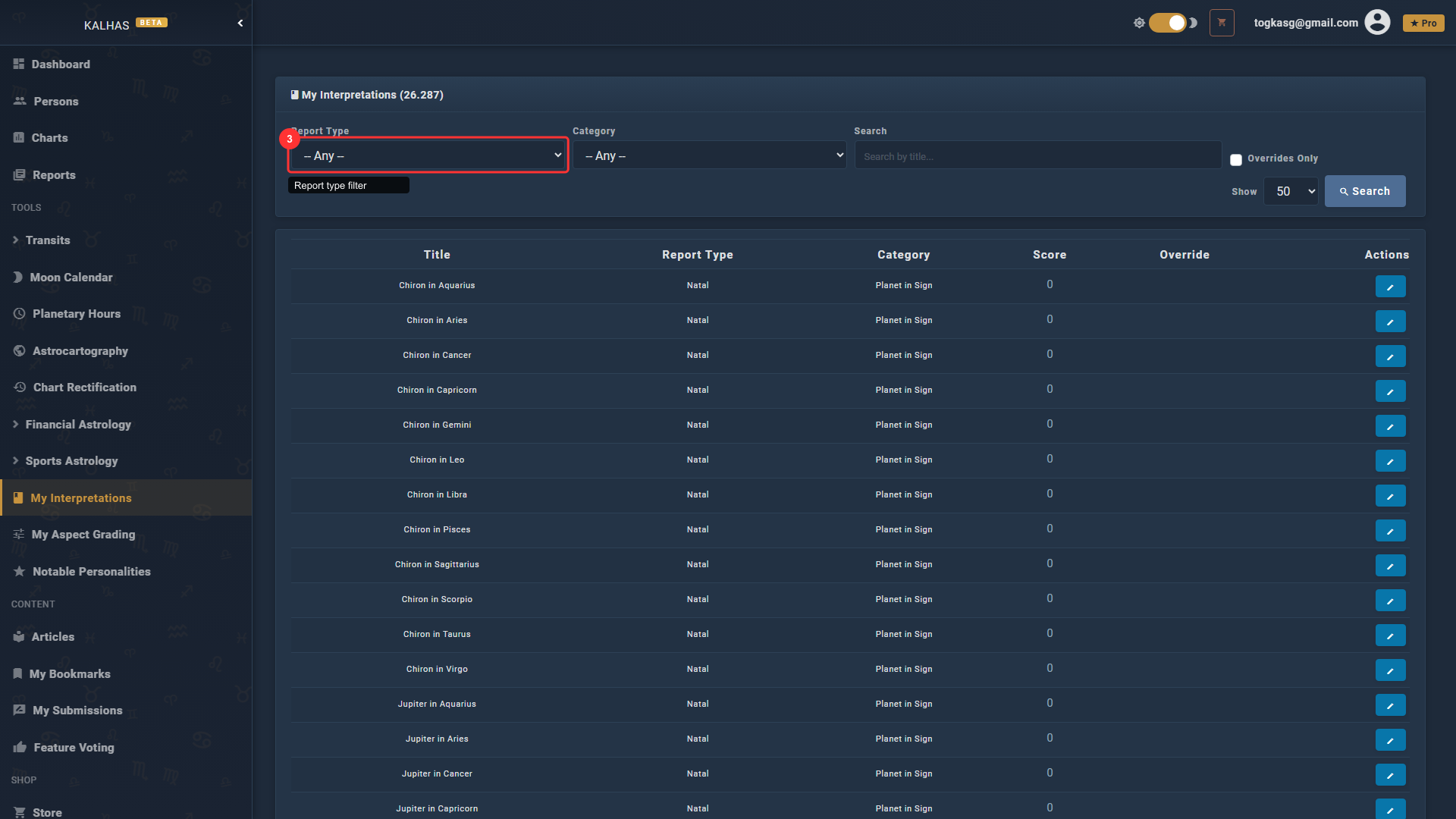
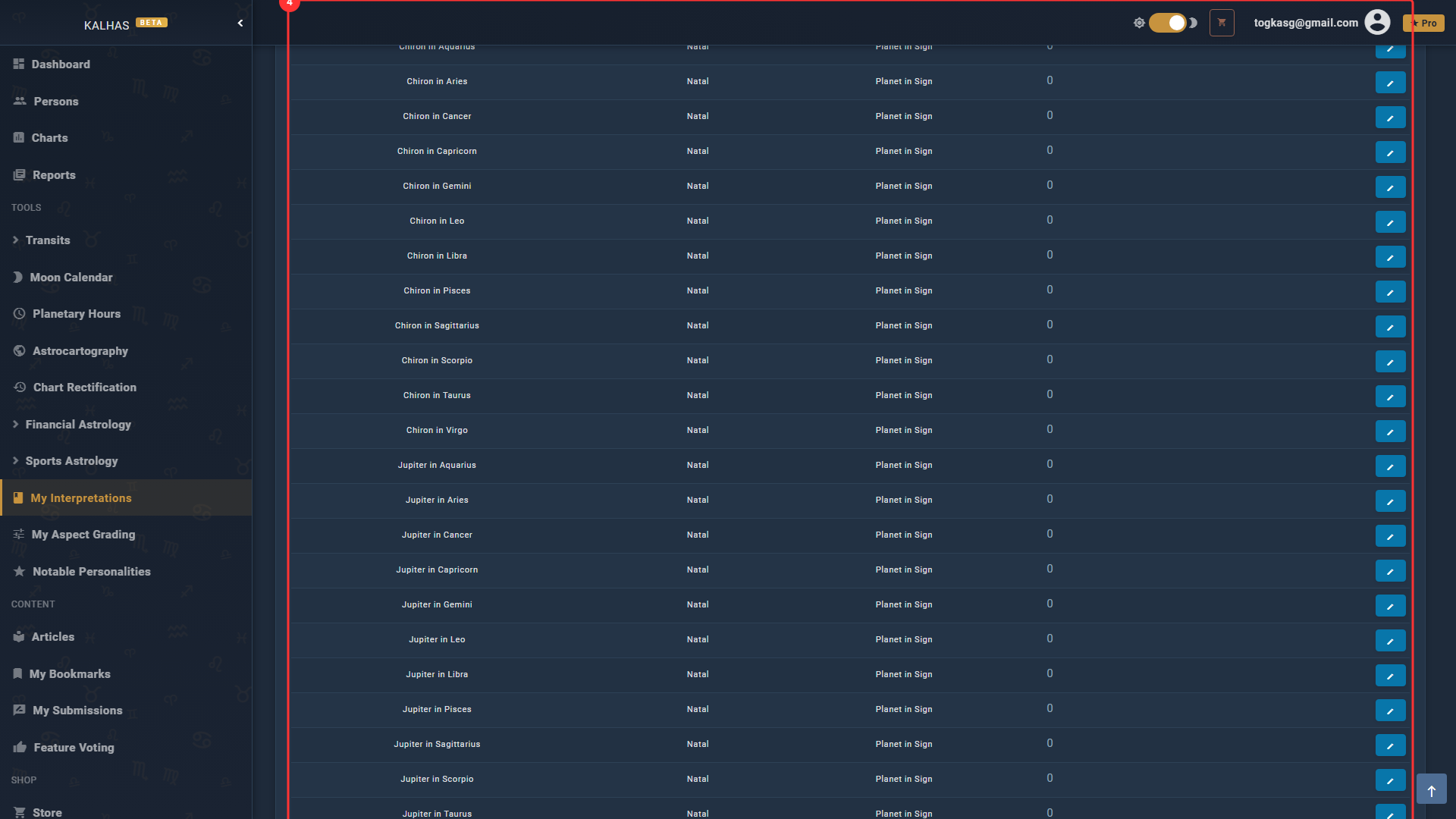
4 Browse Interpretations
Each row shows an interpretation with its title, planet, and score. Click the Edit button to customize the text.
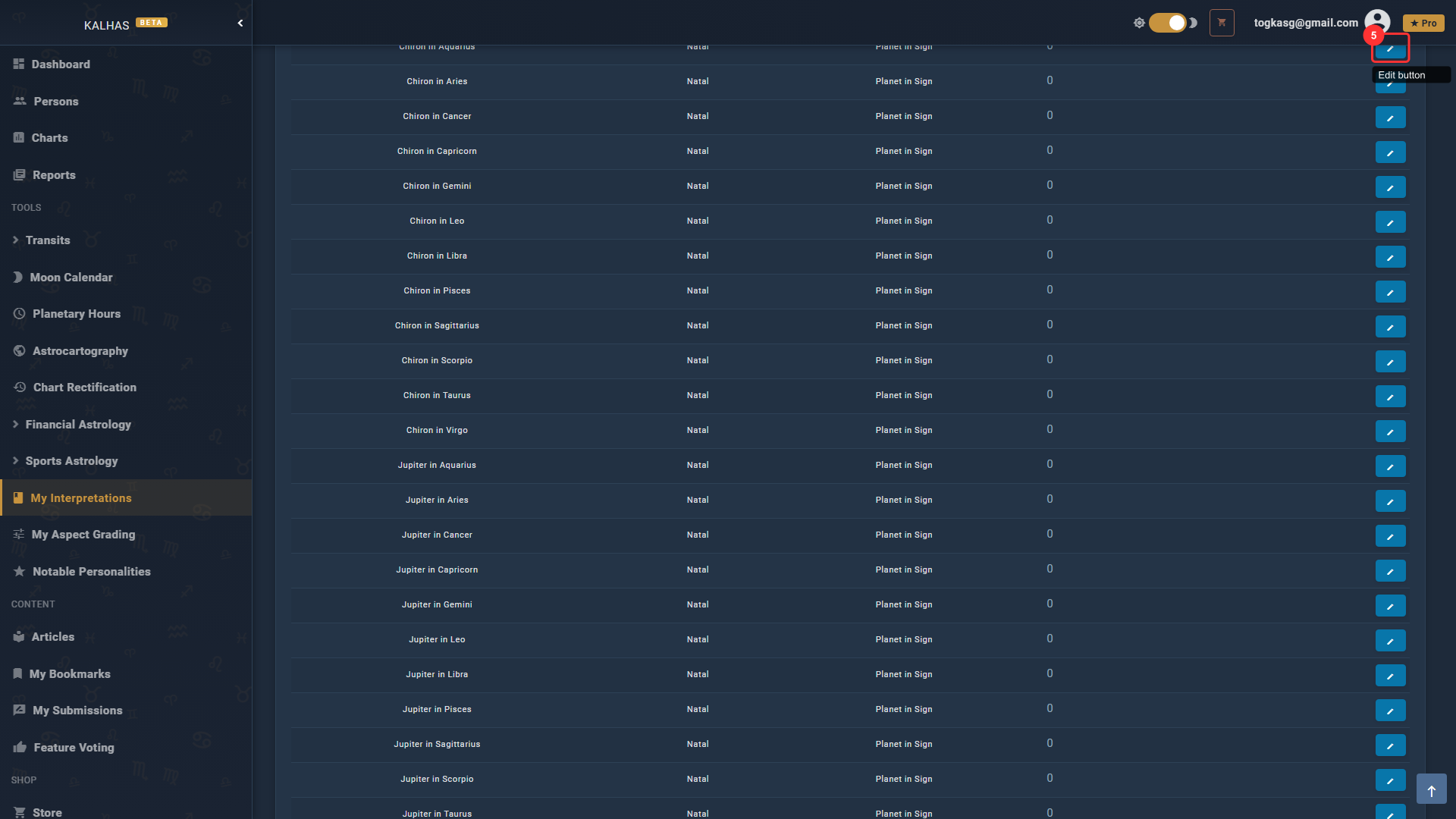
5 Edit an Interpretation
Click Edit to open the interpretation text editor. Your custom text will replace the default in all future reports you generate.
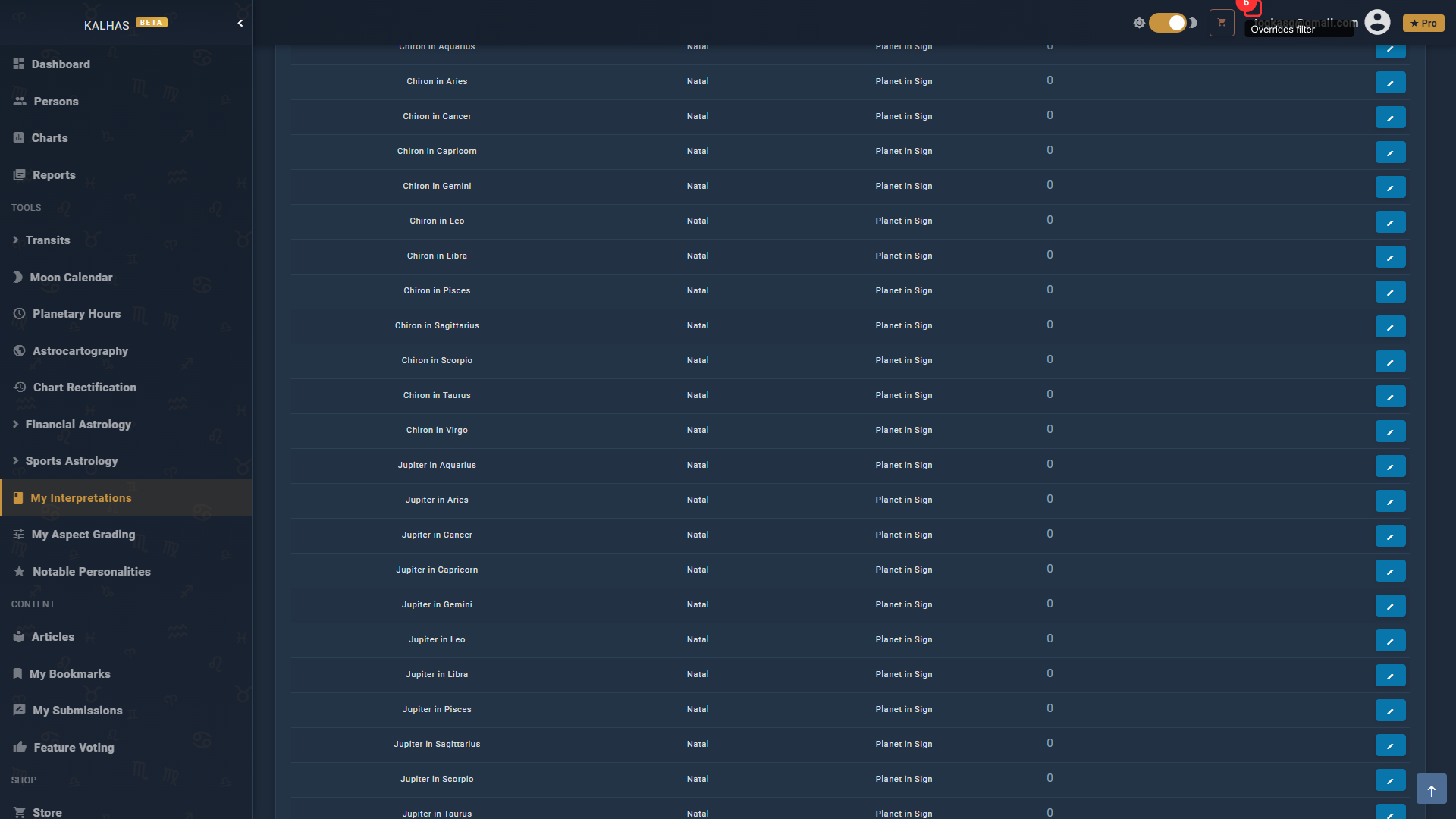
6 View Your Overrides
Check "Overrides Only" to see only the interpretations you've customized. The badge shows your total override count.
7 Access from the Sidebar
Find "My Interpretations" in the Tools section of the sidebar for quick access to the editor.