1 Open the Grading Editor
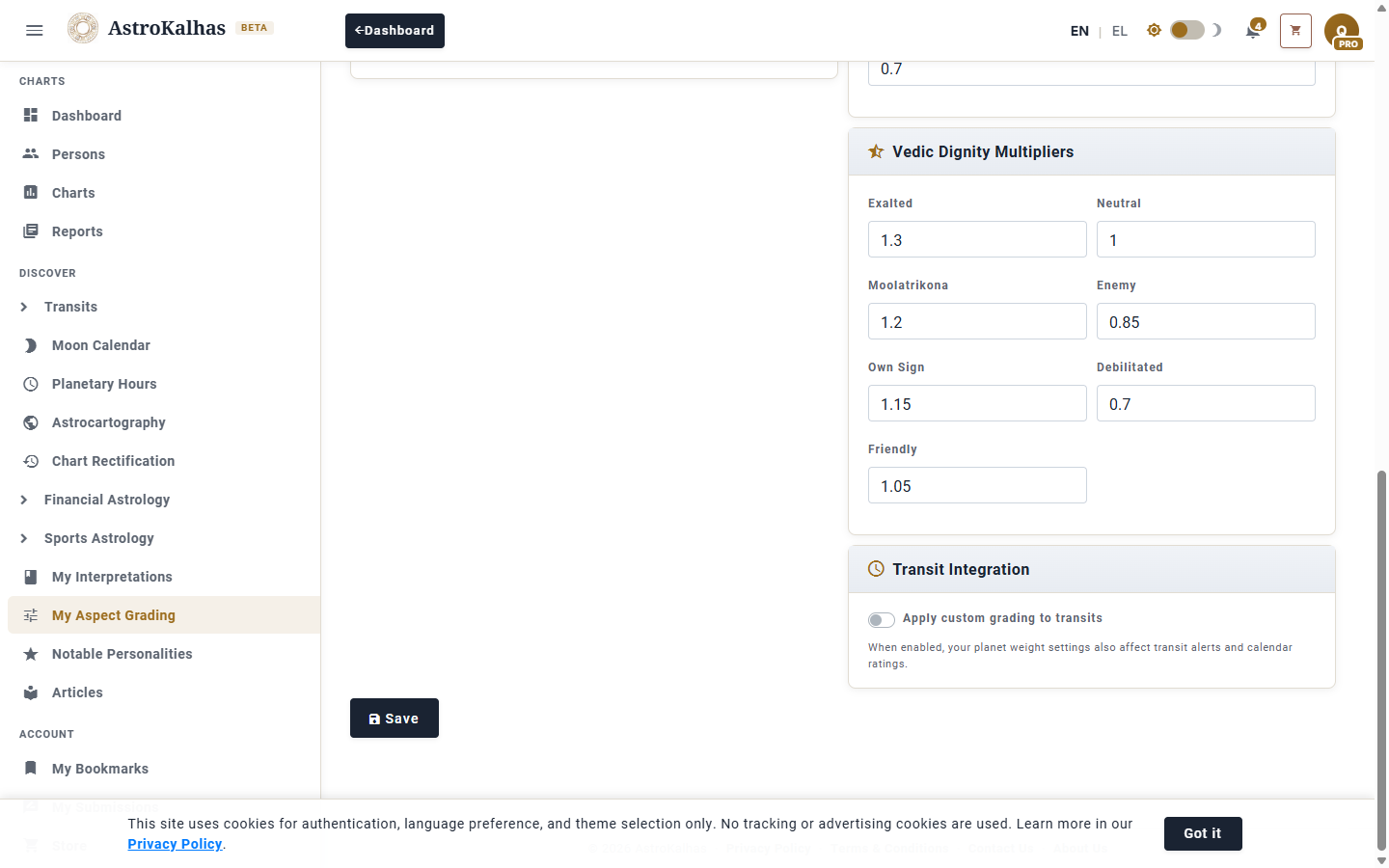
From the sidebar, open My Aspect Grading. The page shows a two-column editor with every parameter that feeds into the aspect score. The banner at the top tells you whether you're using the defaults or your custom config.
2 Per-Planet Importance Weights
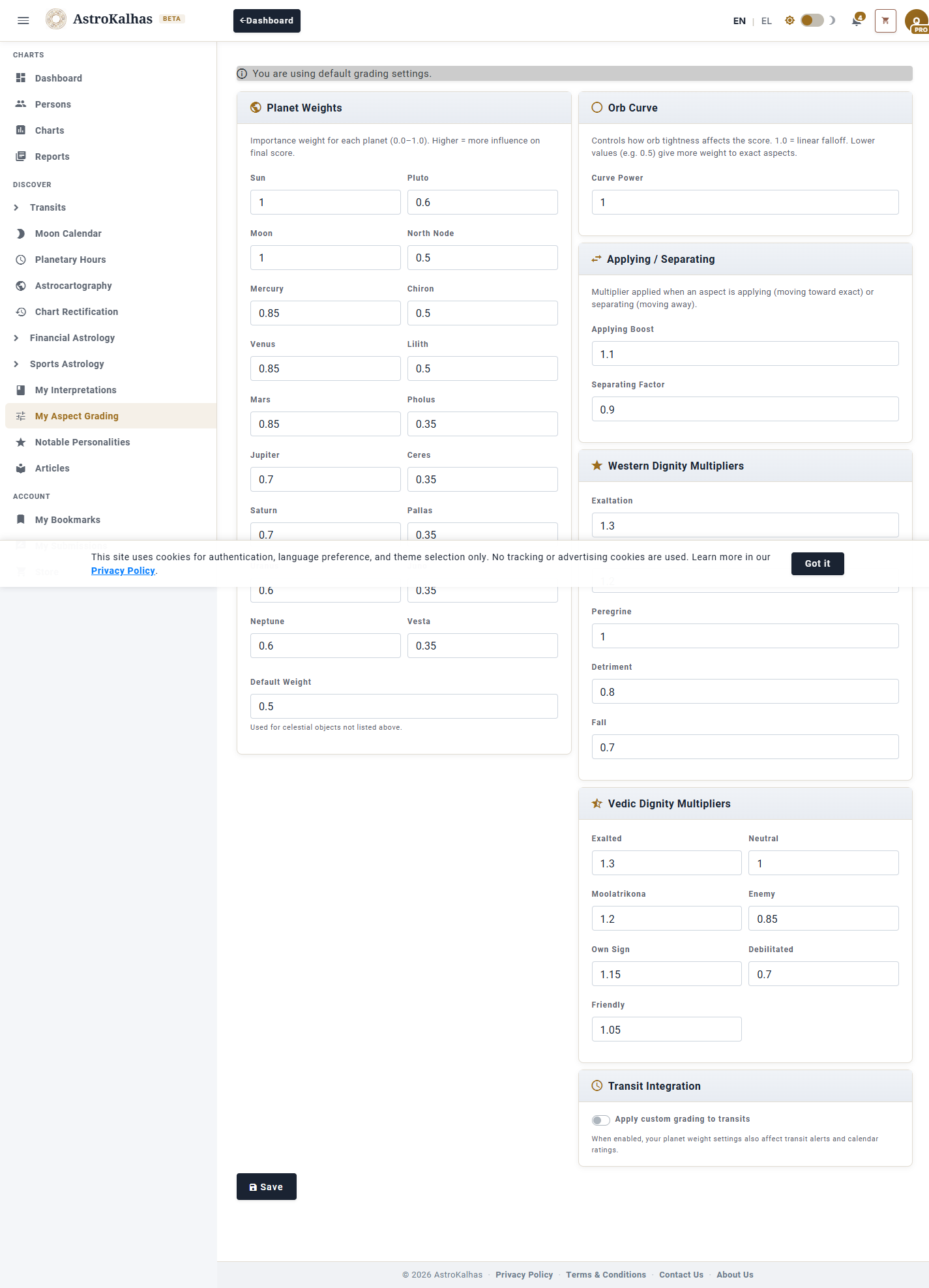
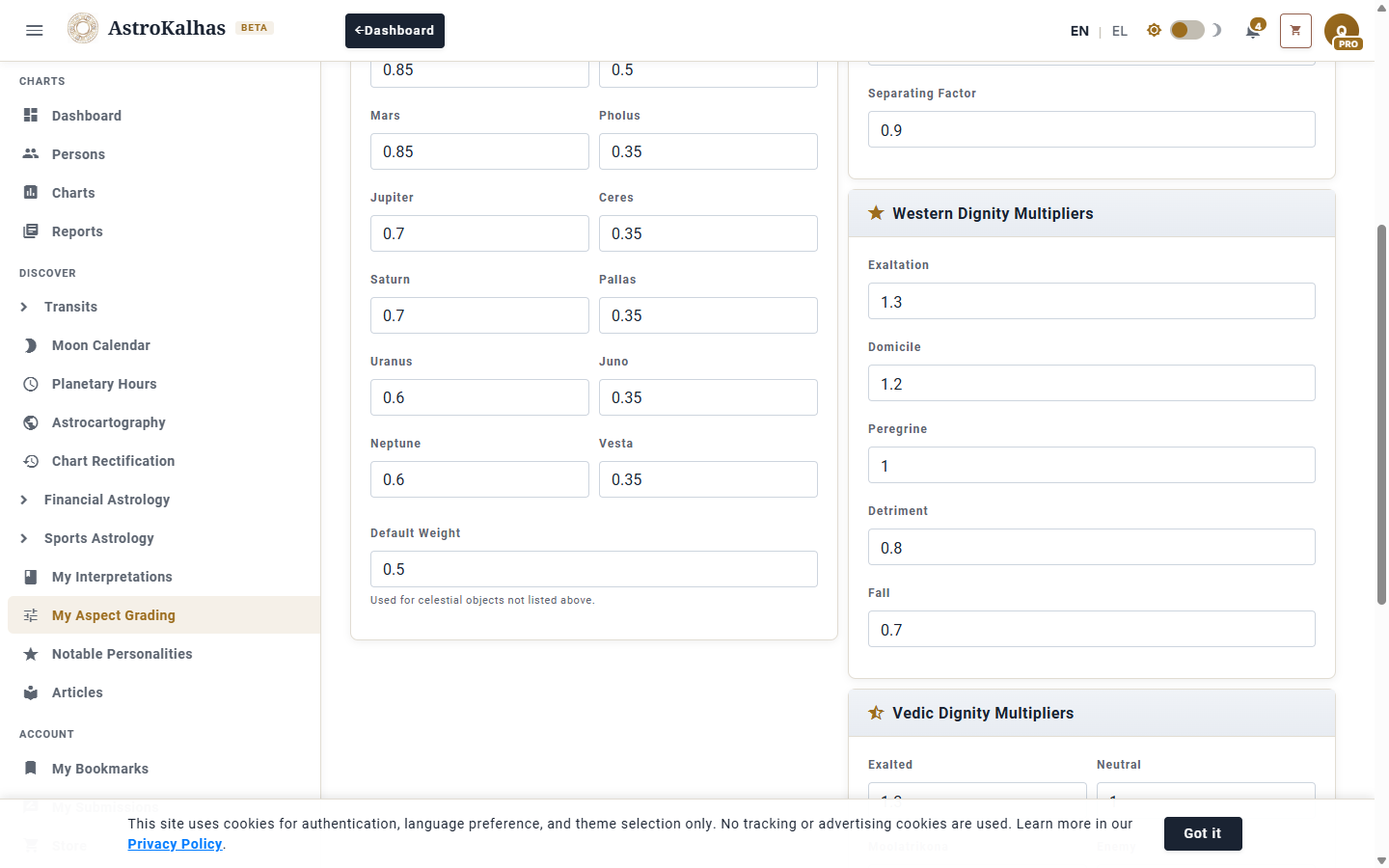
Each of the 18 bodies (Sun, Moon, Mercury … through to Vesta) has its own weight. Boost the planets your system emphasises — e.g. raise Saturn for traditional work, or lift the Moon and Venus for relationship readings — and lower the ones you want to count less.
3 Orb Curve + Applying vs Separating
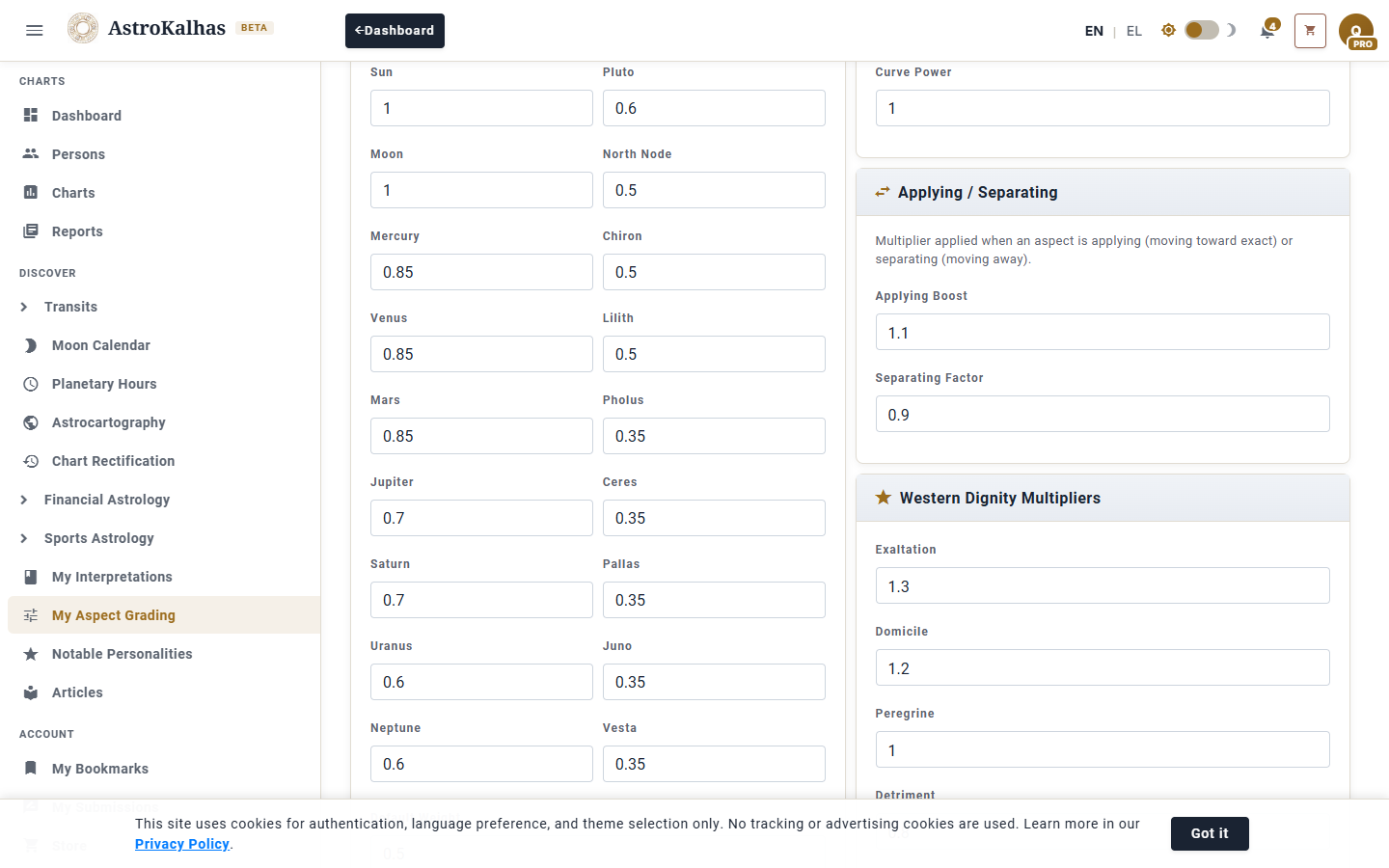
The orb-curve power controls how sharply score drops off as orb widens (1.0 = linear, <1 = big bonus for exact aspects). The applying and separating multipliers let you reward aspects moving toward exact and discount the ones moving away.
4 Western and Vedic Dignity
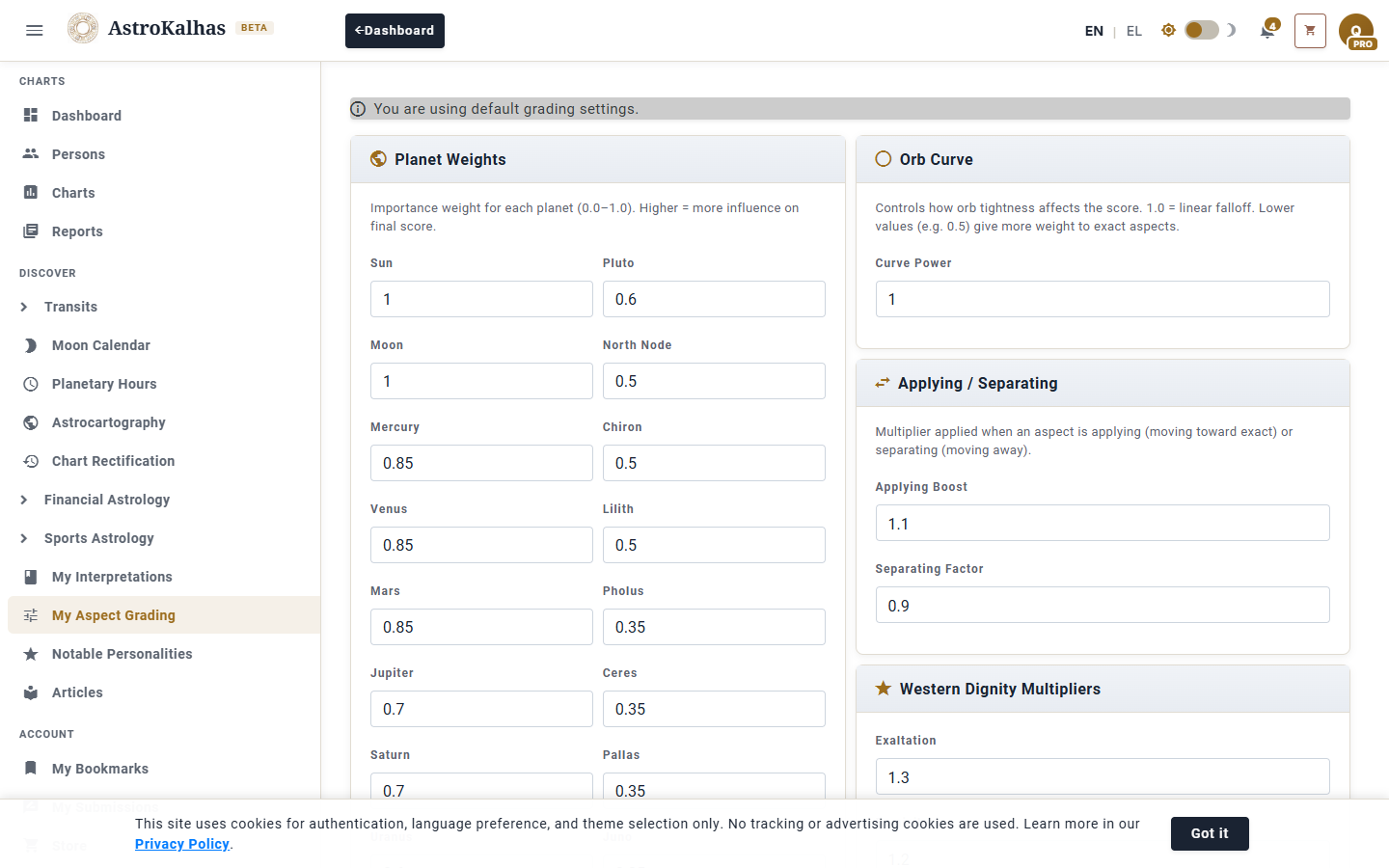
Separate multiplier sets for Western dignity (Exaltation, Domicile, Peregrine, Detriment, Fall) and Vedic dignity (Exalted, Moolatrikona, Own Sign, Friendly, Neutral, Enemy, Debilitated). Amplify the good essential placements and penalise the afflicted ones at whatever weight your tradition calls for.
5 Apply to Transits + Save
Toggle Apply to Transits to have your custom weights drive transit alerts and the daily Transit Calendar scoring — not just natal charts. Click Save to lock it in, or Reset to Defaults to return to the stock configuration at any time.