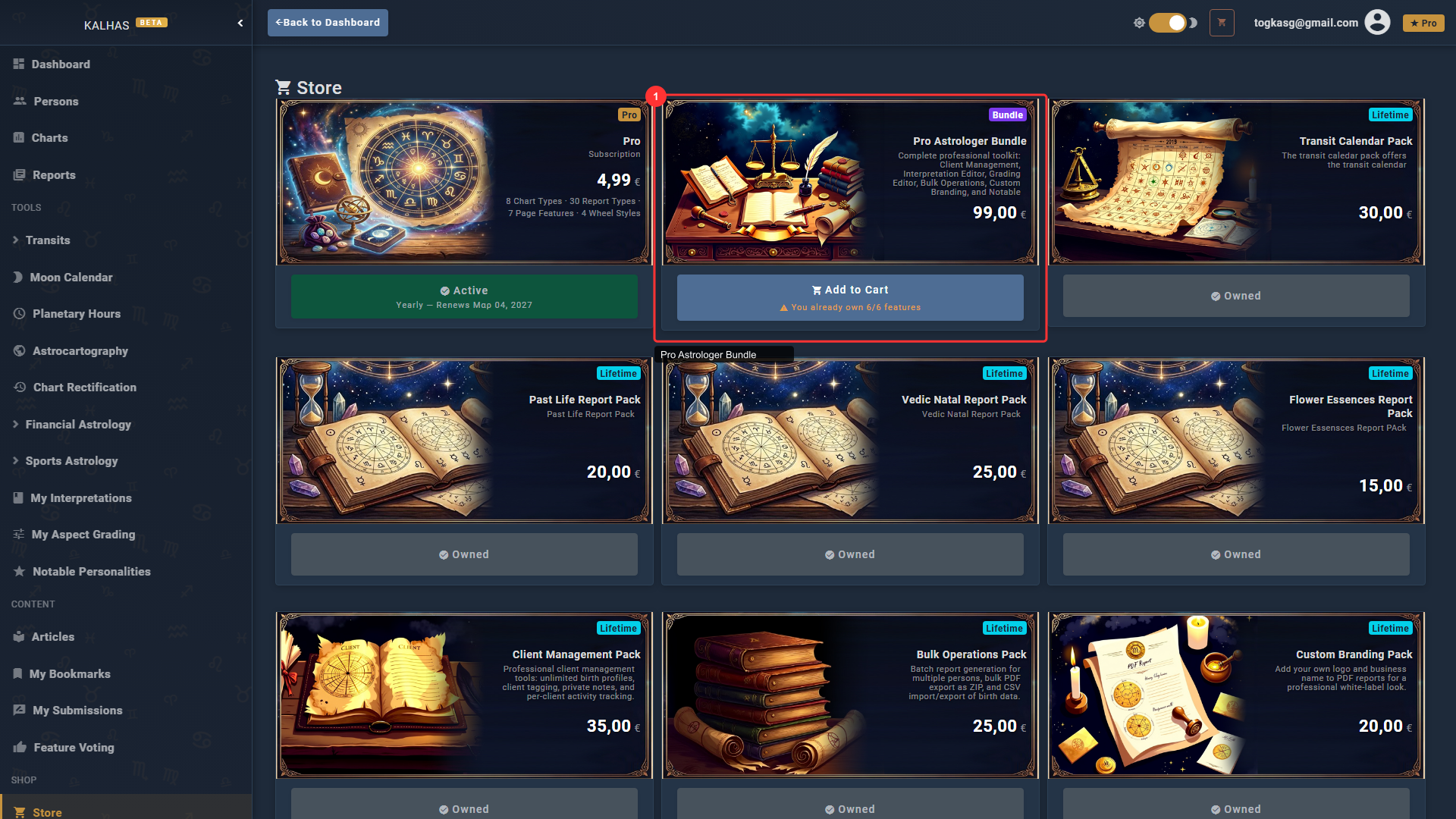
1 Find the Bundle in the Store
The Pro Astrologer Bundle combines 5 professional tools at a discounted price: Client Management, Interpretation Editor, Grading Editor, Bulk Operations, and Custom Branding.
2 Client Management
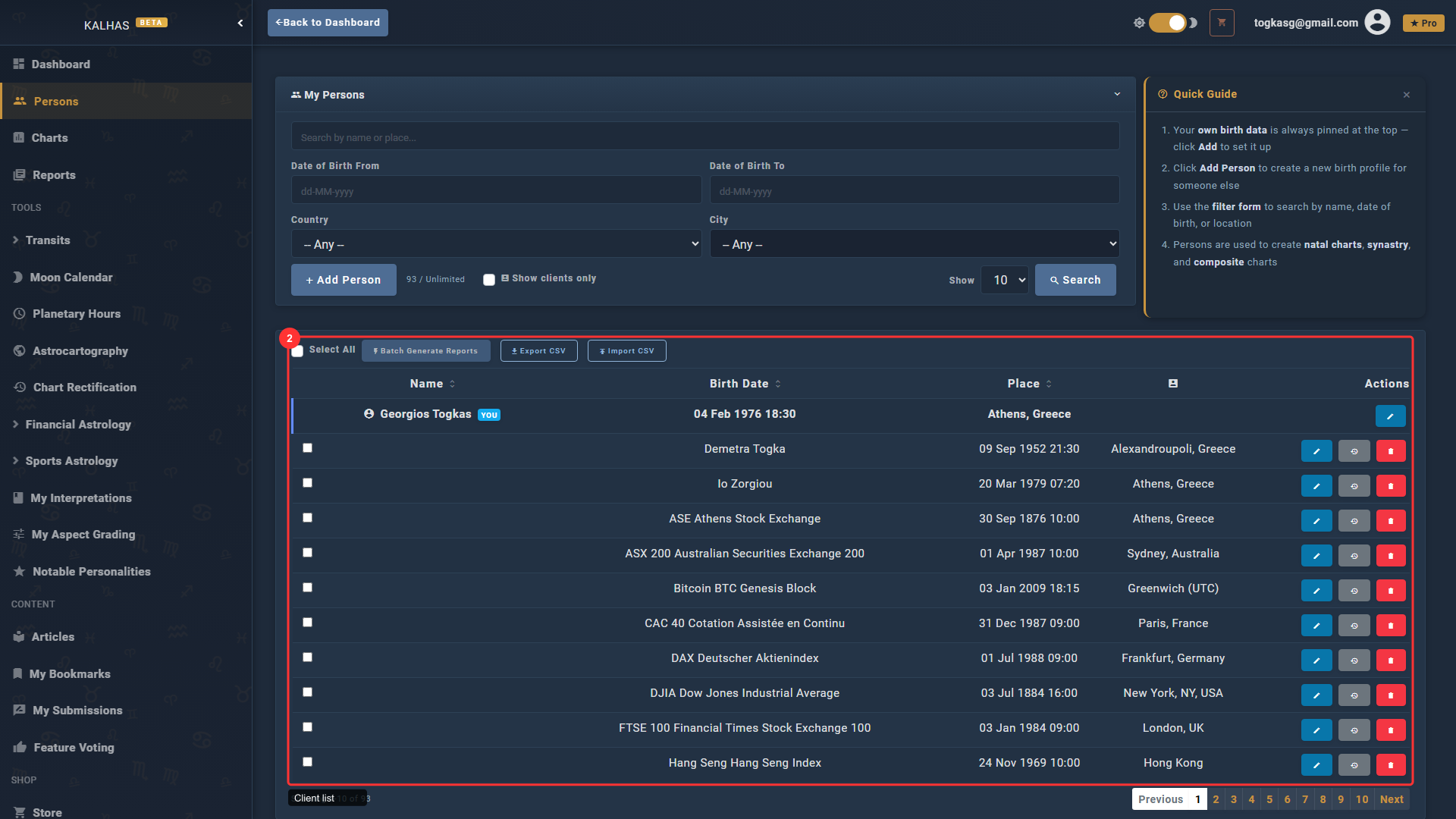
Manage unlimited birth profiles for your clients. Tag persons as clients, add private notes, and track their consultation history.
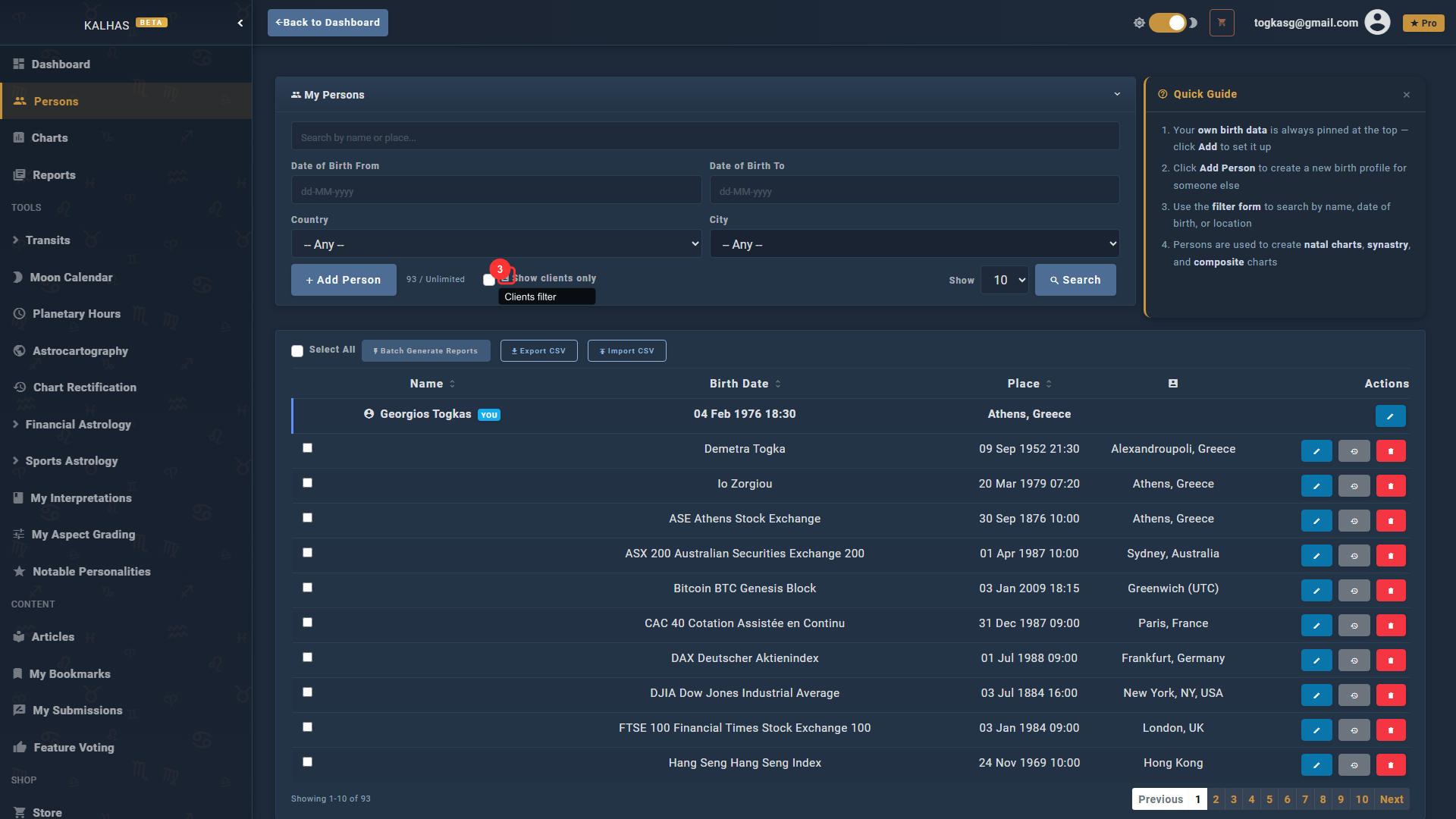
3 Filter by Clients
Use the "Show clients only" checkbox to quickly filter your person list to active clients.
4 Interpretation Editor
Customize any interpretation text across 26+ report types. Your overrides appear in all future reports you generate.
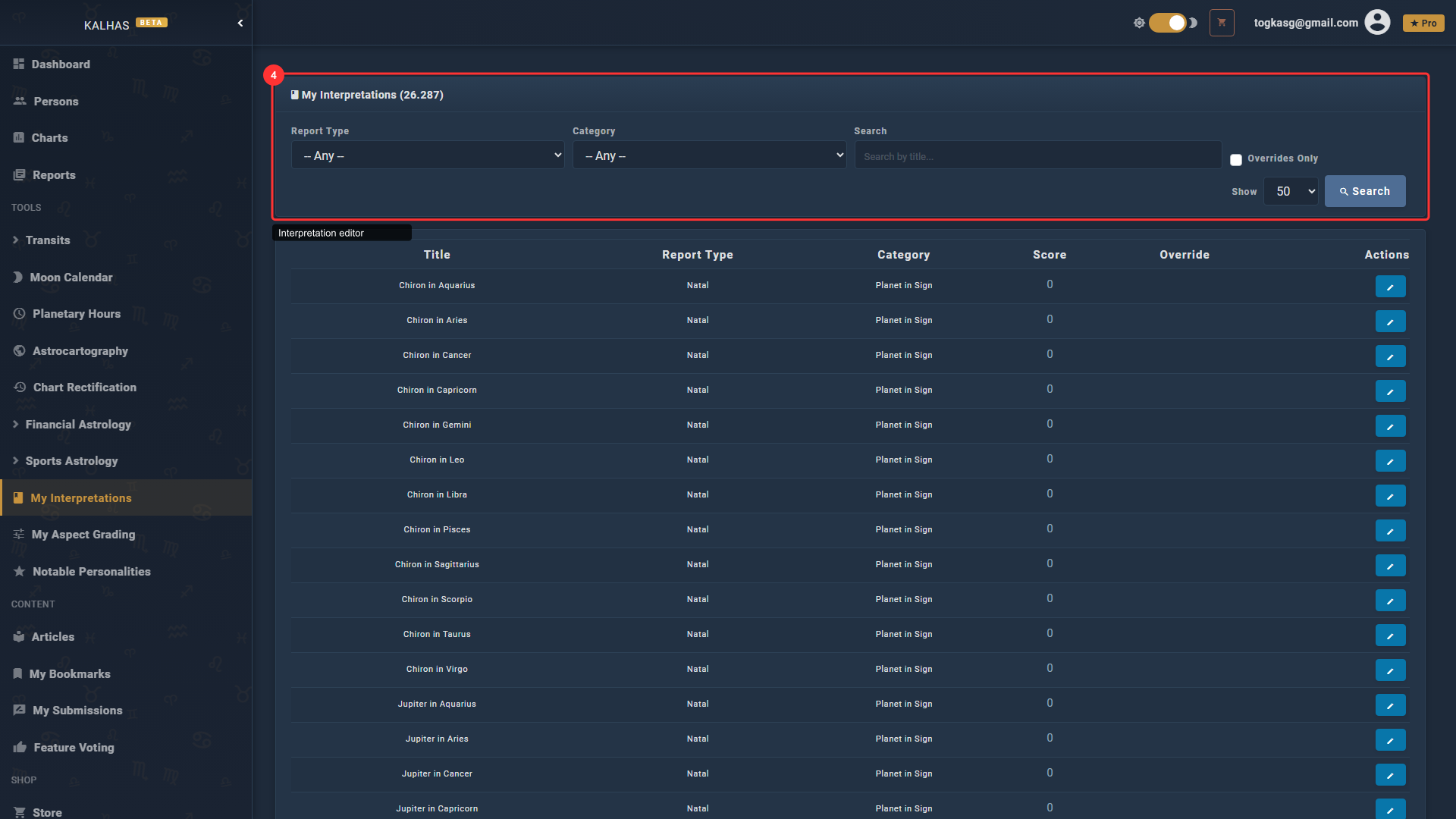
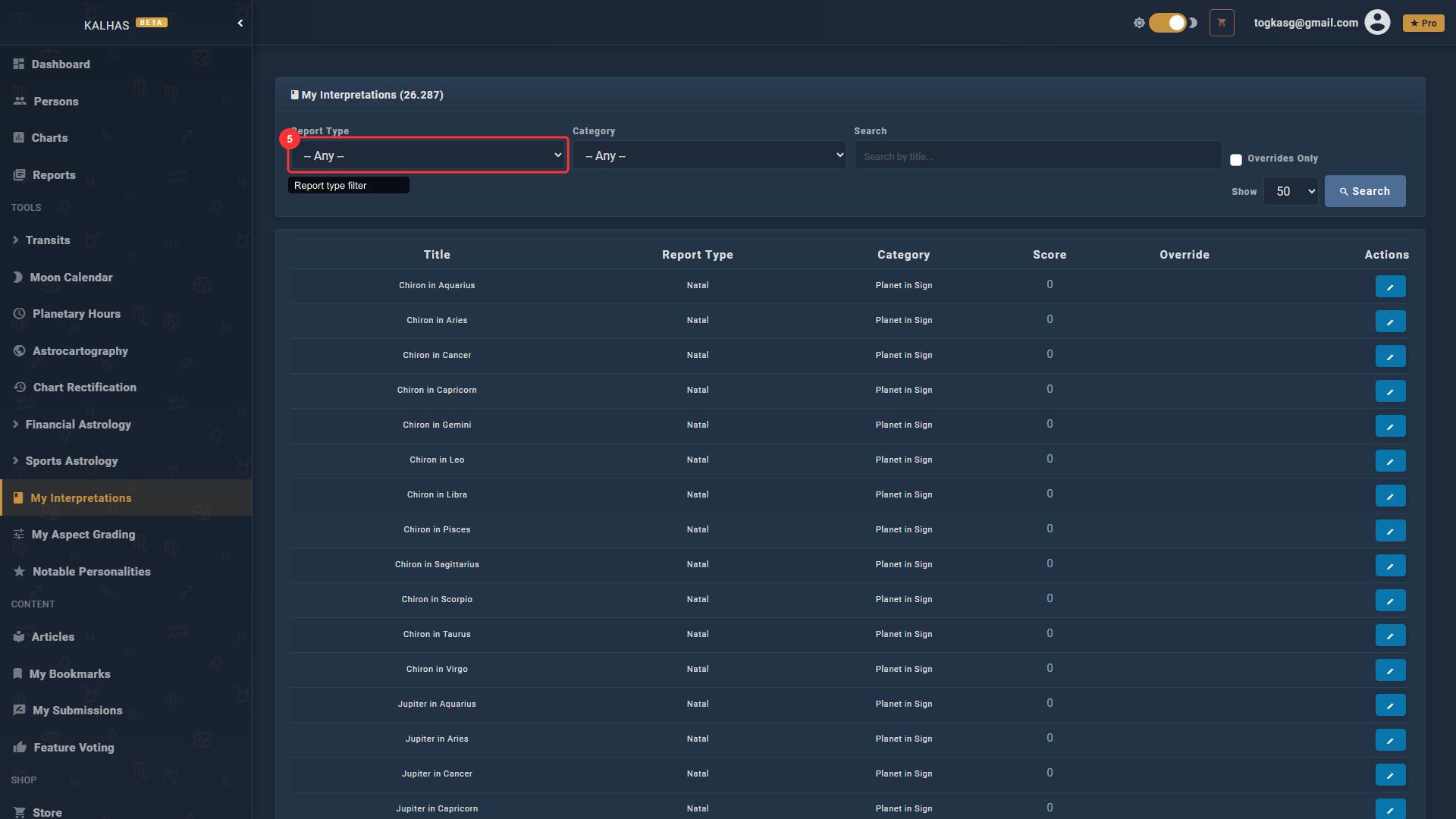
5 Filter Interpretations
Filter by report type and category to find the exact interpretation you want to customize.
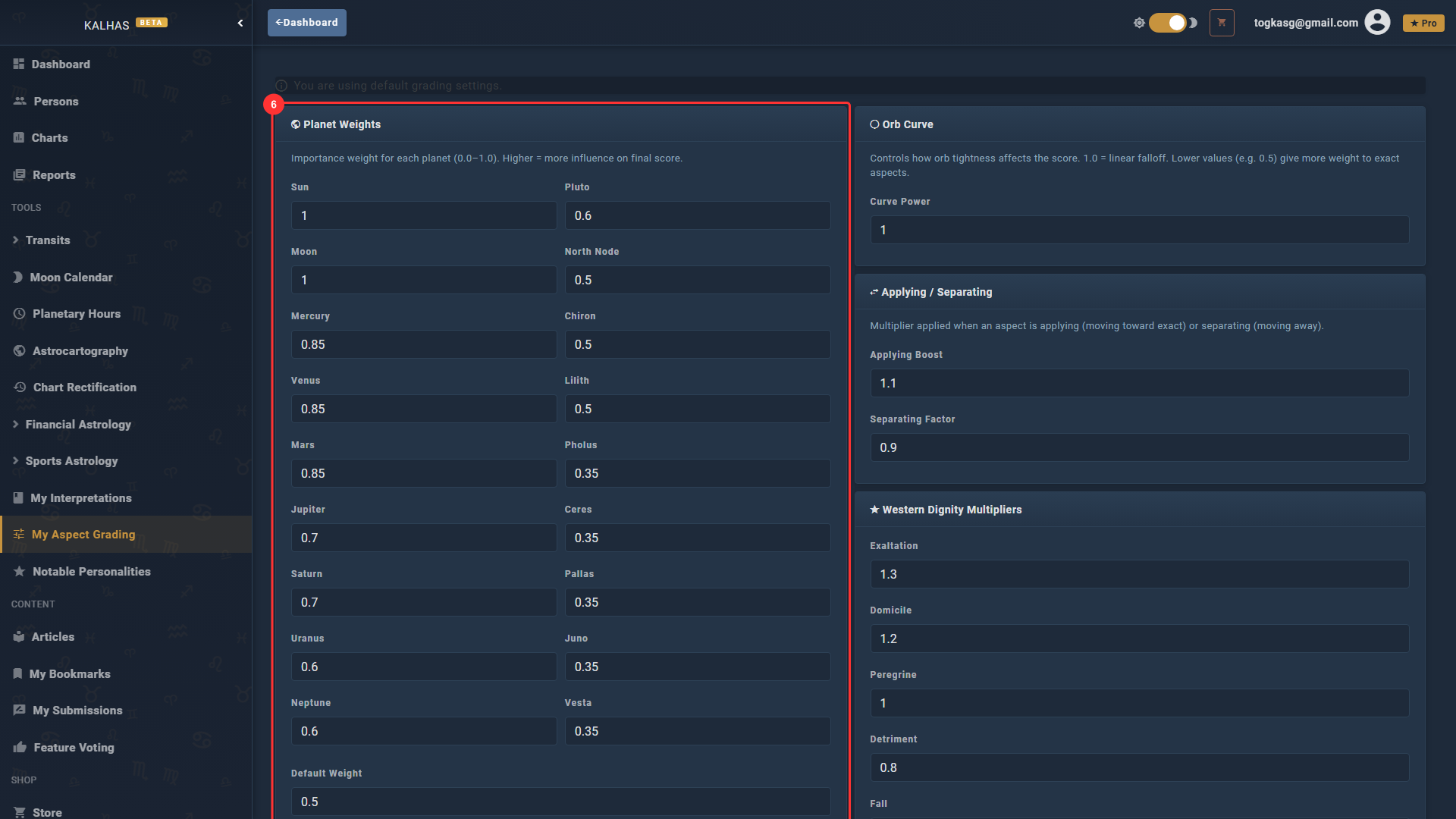
6 Aspect Grading Editor
Fine-tune how aspects are scored in your reports by adjusting planet weights, orb curves, and dignity multipliers to match your astrological approach.
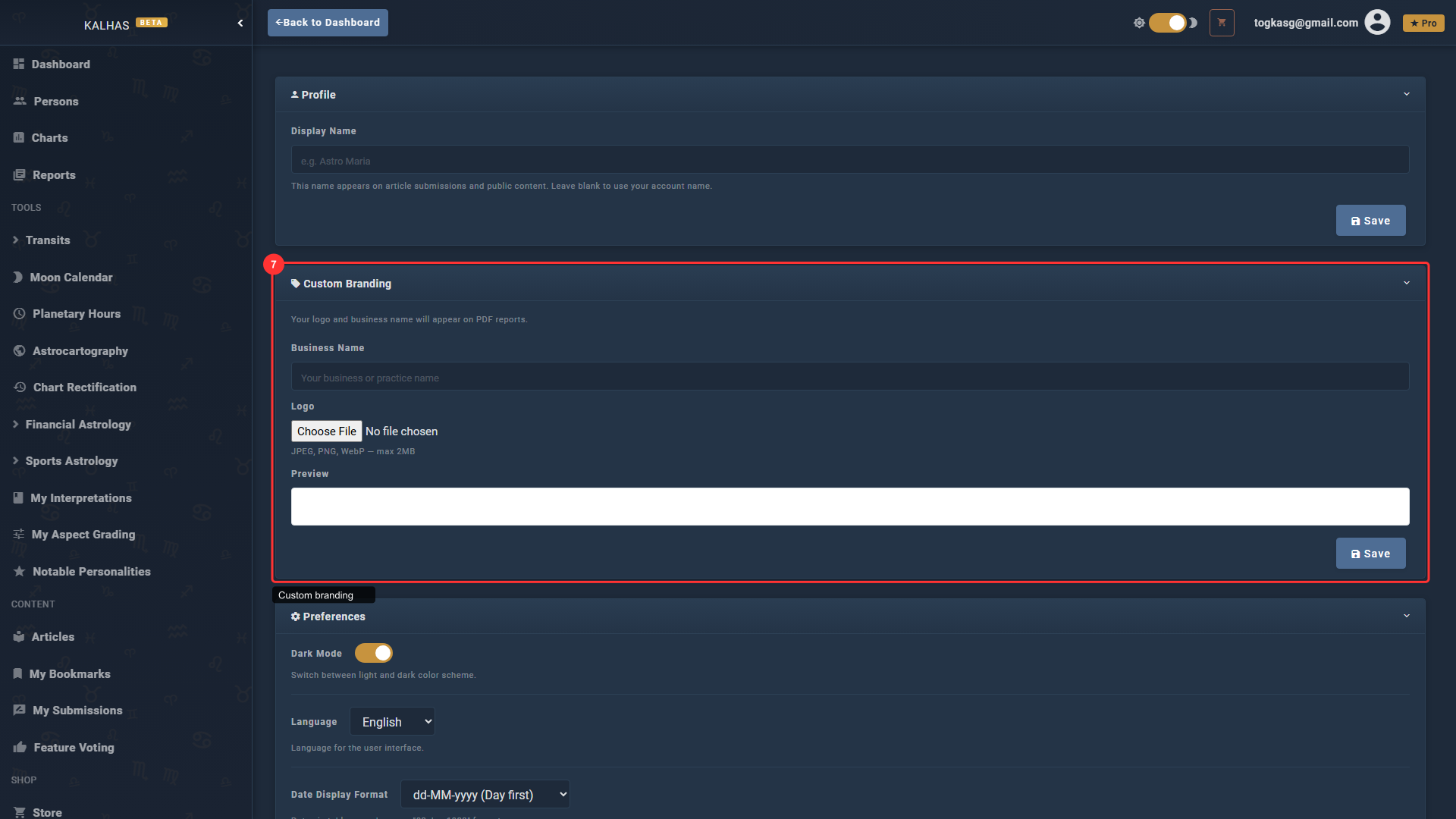
7 Custom Branding
Add your business name and logo for white-label PDF reports. Your branding appears on all exported reports.
8 Find All Tools in the Sidebar
All professional tools (Interpretation Editor, Grading Editor) are accessible from the Tools section in the sidebar.
