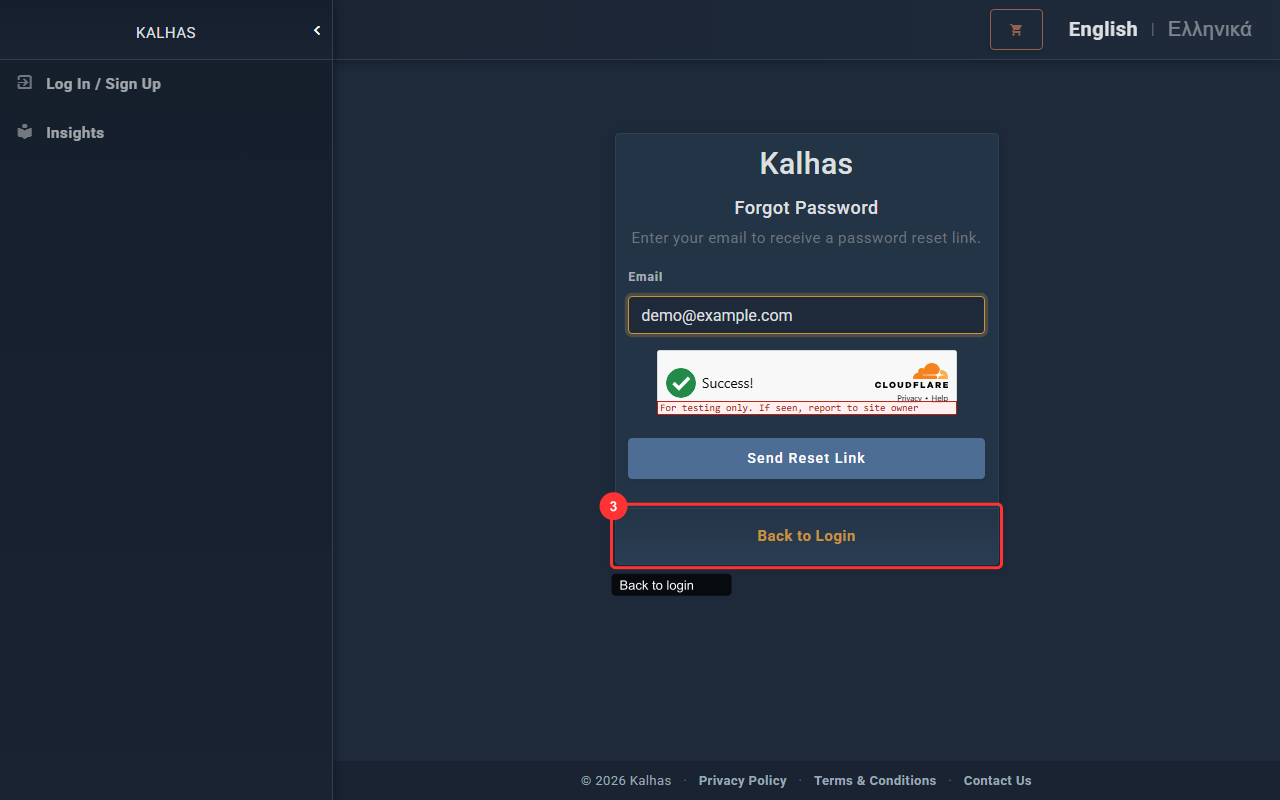
1 Password Reset Form
If you forgot your password, enter your email to receive a reset link.
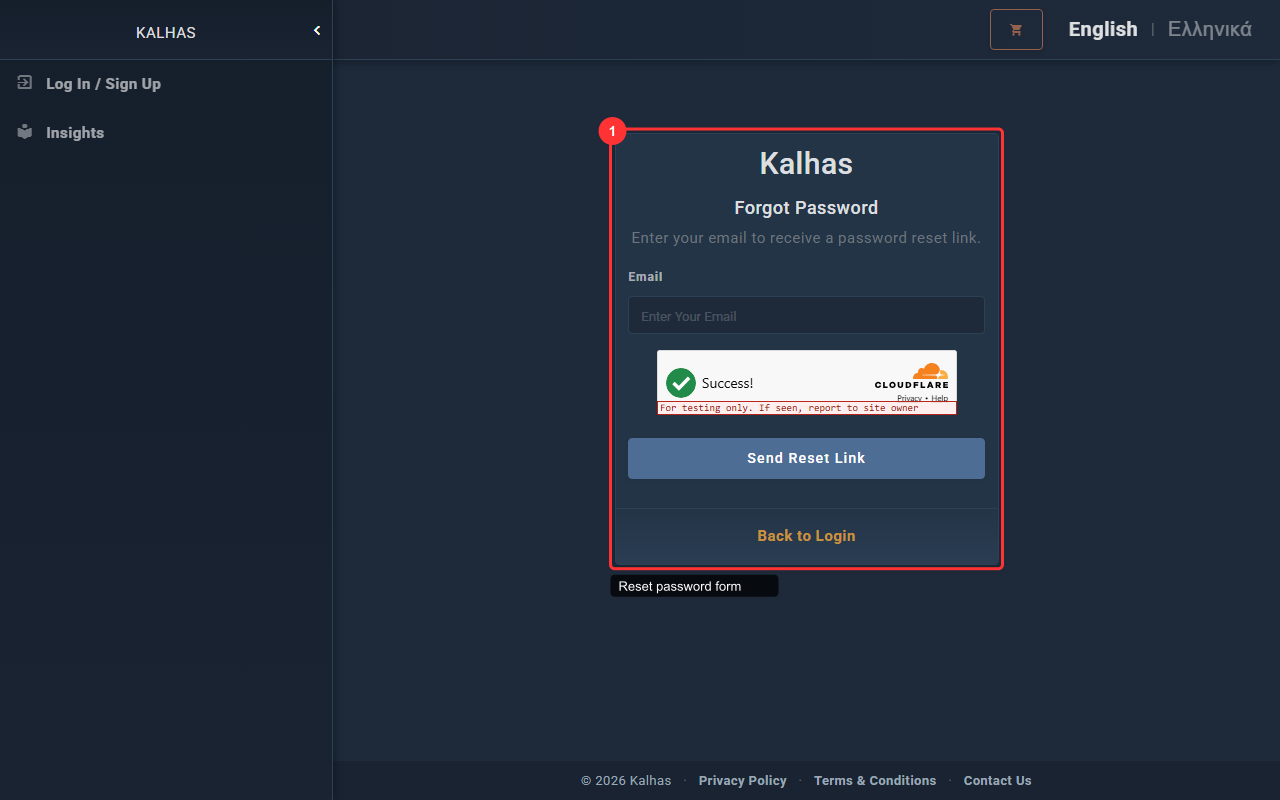
2 Request Password Reset
Enter your registered email and click the button. A reset link will be emailed to you.
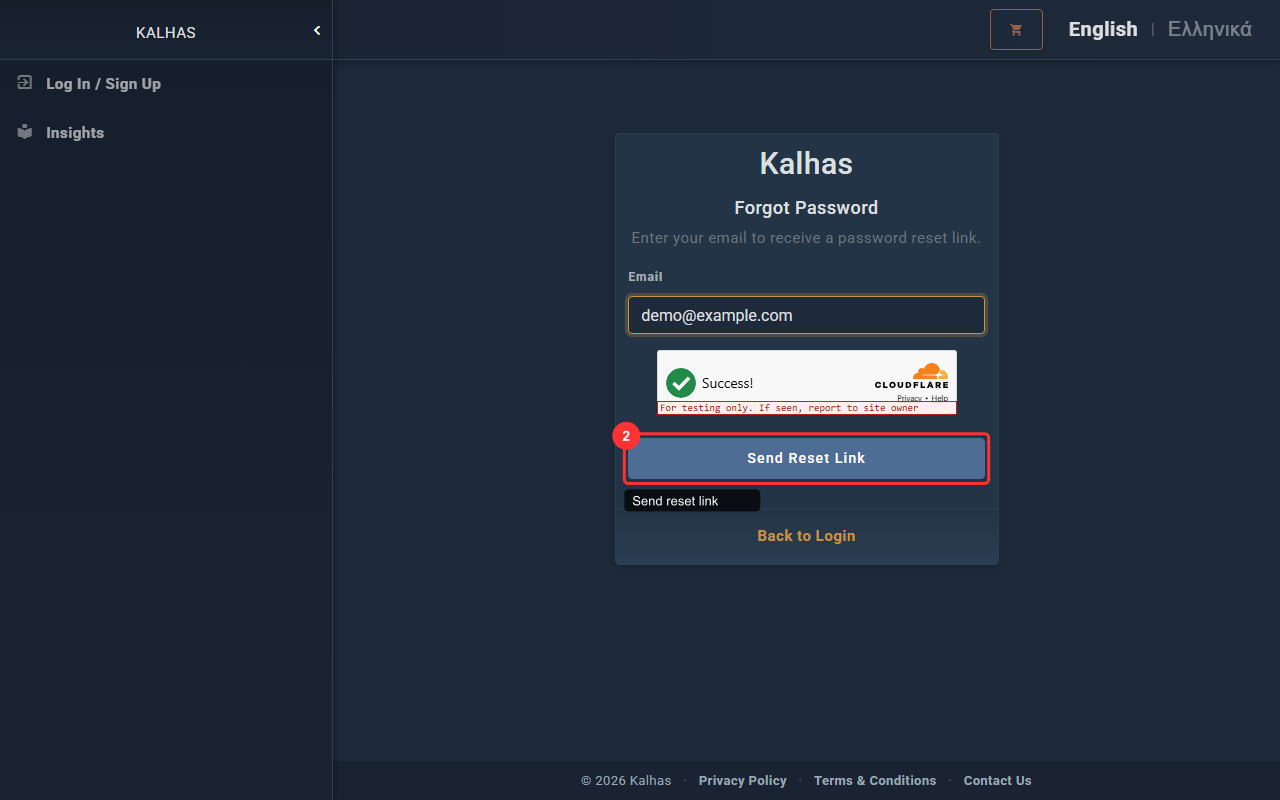
3 Return to Login
After requesting a reset, check your email and use the link provided. You can also return to the login page.